Chapter 5
Concierge games
Four games whose names start with "Con", plus puzzles. All of them spend pt and play out over time alongside your character.
| What it is | Time per go | |
|---|---|---|
| 🧳 Contra | Send your character travelling to collect local specialties | 10 seconds to depart; minutes to hours to return |
| 🔮 Tarot | Card readings | A minute |
| 🌐 Concon | A versus game over 12 world regions, on one shared board | Three times a day, 15 seconds each |
| 🗡 Conquest | Fight monsters around the world and fill the encyclopedia | Three minutes |
| 🧩 Puzzle | Complete a character illustration piece by piece | Spare moments |
5-1. The three shortcuts
Contra, Tarot and Concon open straight from the home menu. Conquest and puzzles live in the games screen.
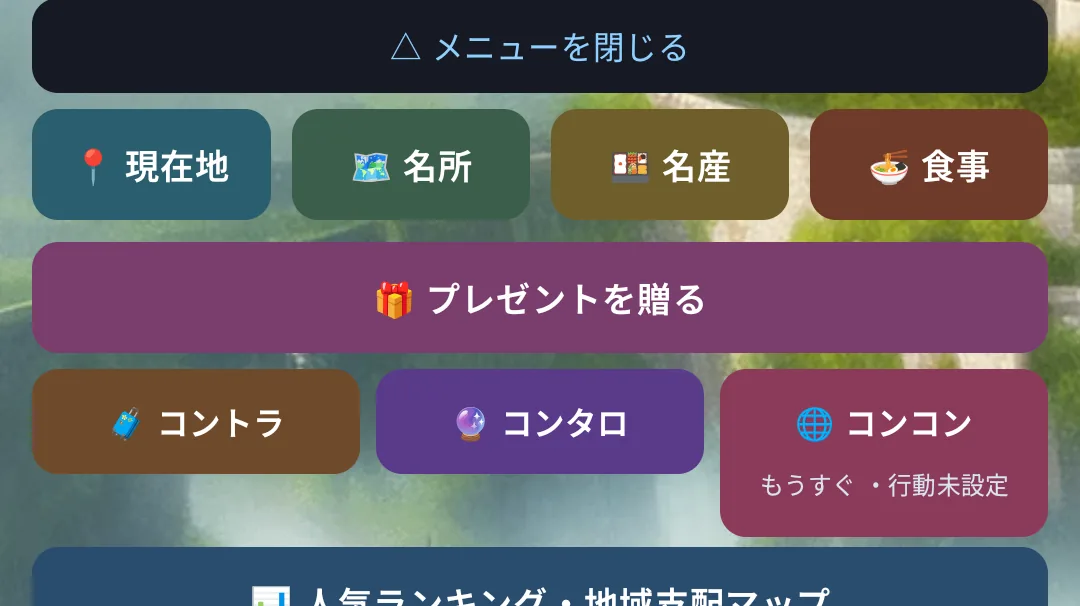
Each tile shows a status line only when there is something to know (time left on a trip, the Concon deadline, the free first tarot reading).
🧳 Contra (travel and collecting)
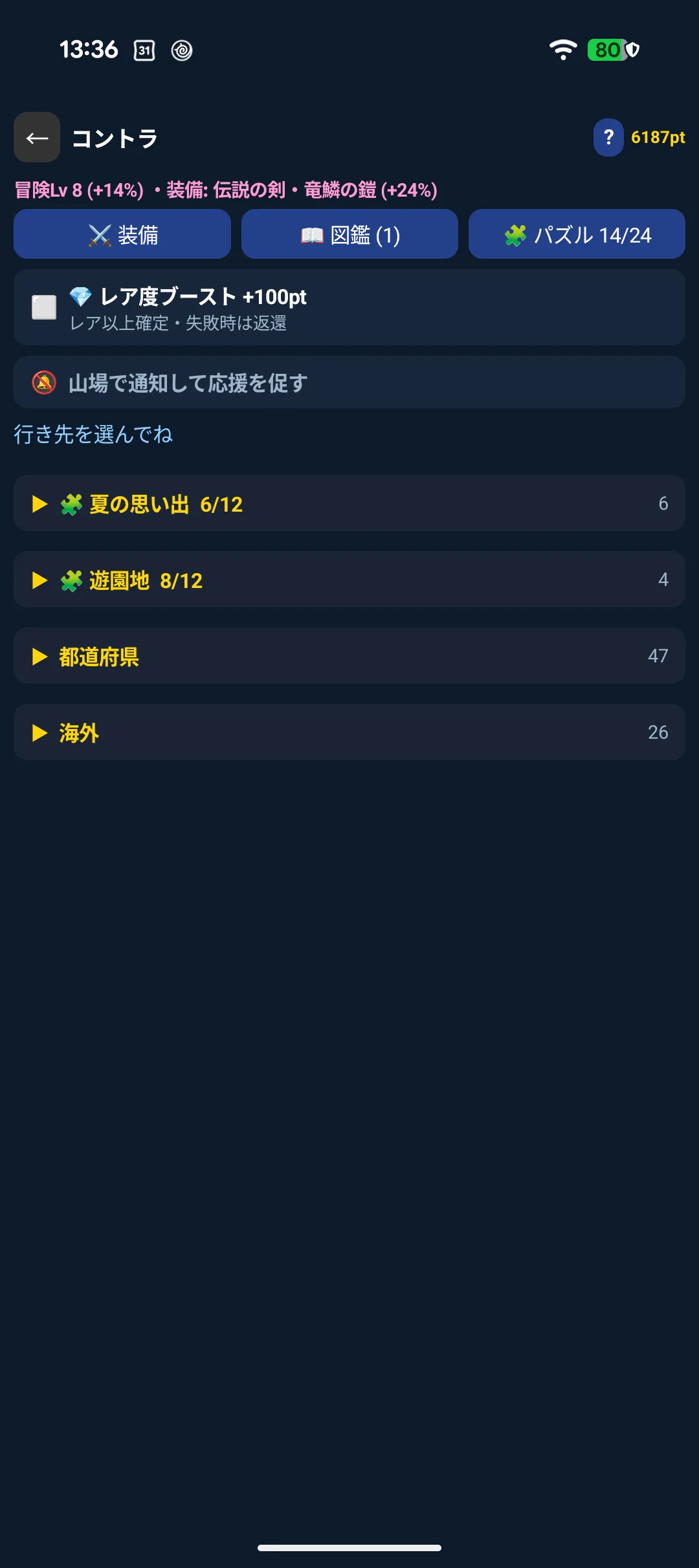
Send your character off and wait for them to come back. You do not have to stay in the app — close it, lower your wrist, it carries on.
5-2. The Contra screen

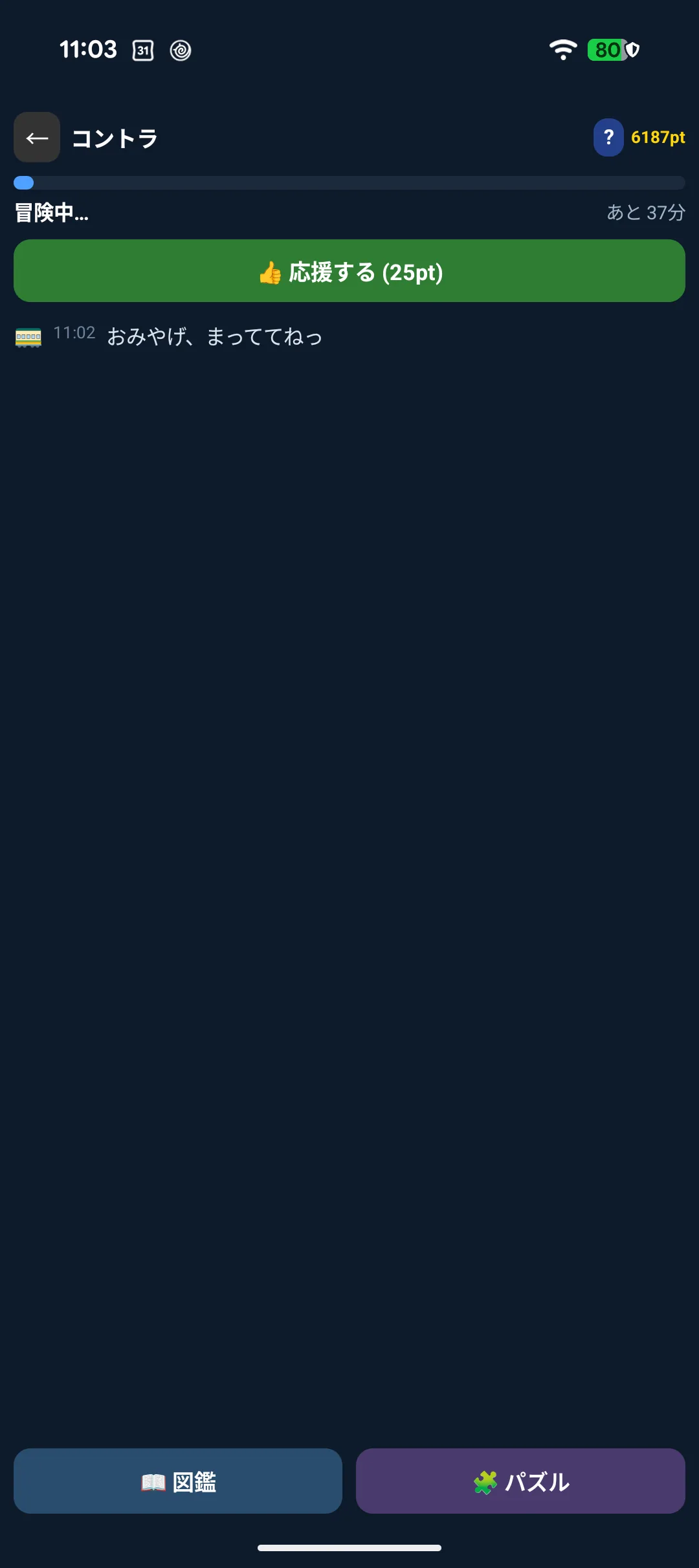
It shows the time remaining while they are away, or "I'm back!" once they have returned.
5-3. Setting off
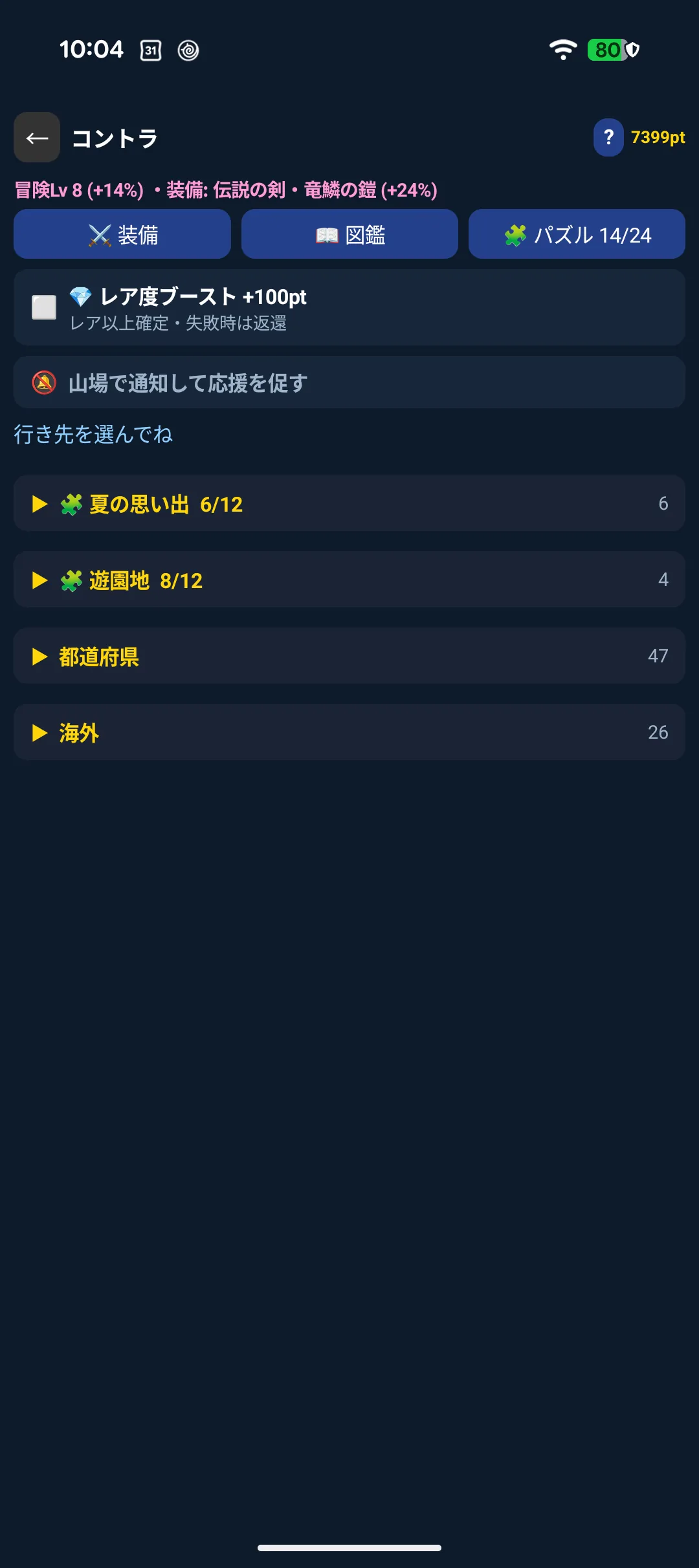
Choosing a destination shows the difficulty, duration, success rate and pt cost.
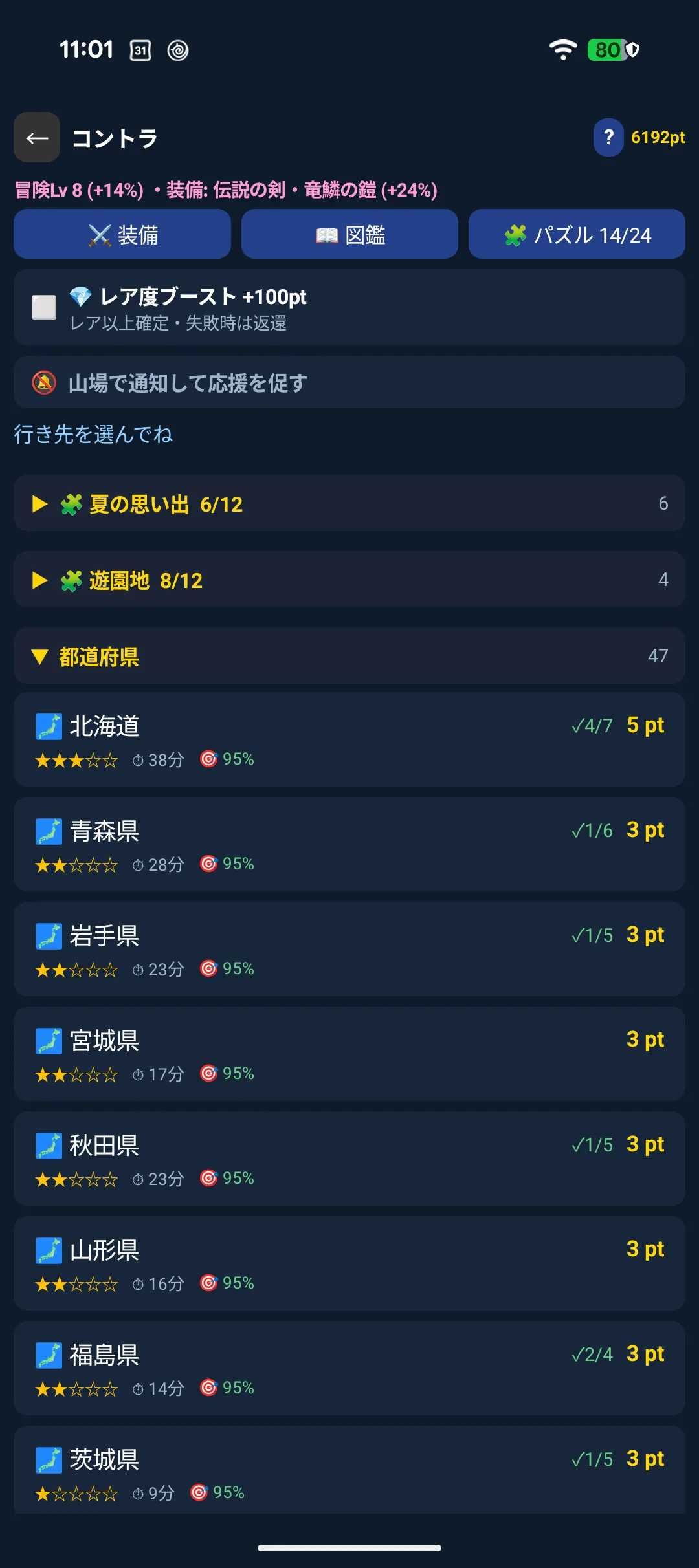
| Cost | Higher the further you go (minimum 3 pt; 1 pt within your current region) |
| Difficulty | ★1 to ★5. Higher means a lower success rate but more experience |
| Success rate | Based on difficulty, raised by your expedition level and equipment. Capped at 95% — never a sure thing |
| Duration | From a few minutes to a few hours |
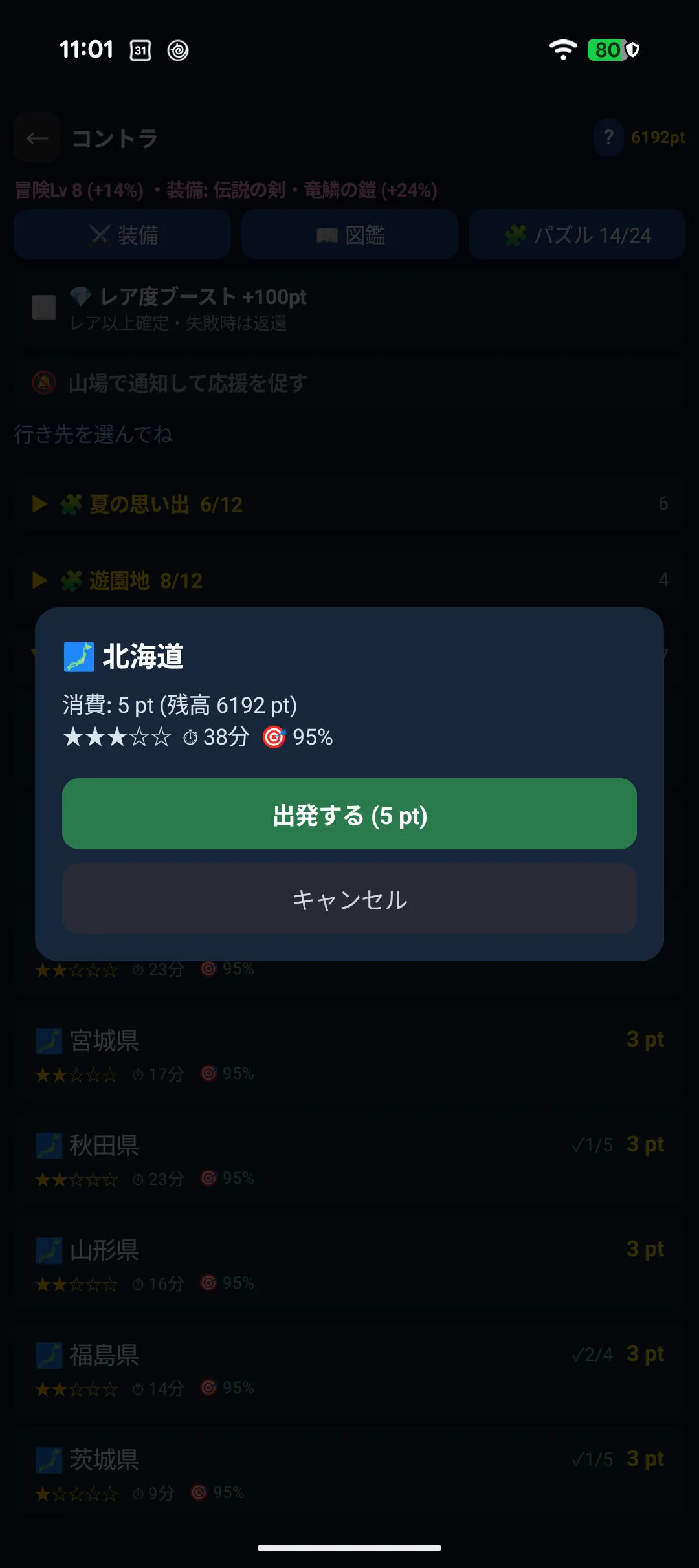
The outcome is decided the moment they leave. Opening or closing the app changes nothing, so there is no need to sit and watch.
5-4. The log, and cheering them on
While they are away, what has happened so far appears as text.

Once per trip, before the turning point, you can cheer them on (25 pt).

- A trip that was going to fail turns into a success
- A trip that was already going to succeed earns bonus pt
5-5. Coming home
On success they bring back a local specialty.
On failure they come back empty-handed and rest for about five minutes (other characters can still go).
android/05-contra-return_2.webp
Either way they gain expedition experience. Levelling up raises future success rates and gives you 5 pt.
5-6. Equipment
Buy weapons and armour with pt. One of each raises your success rate by up to +24%.
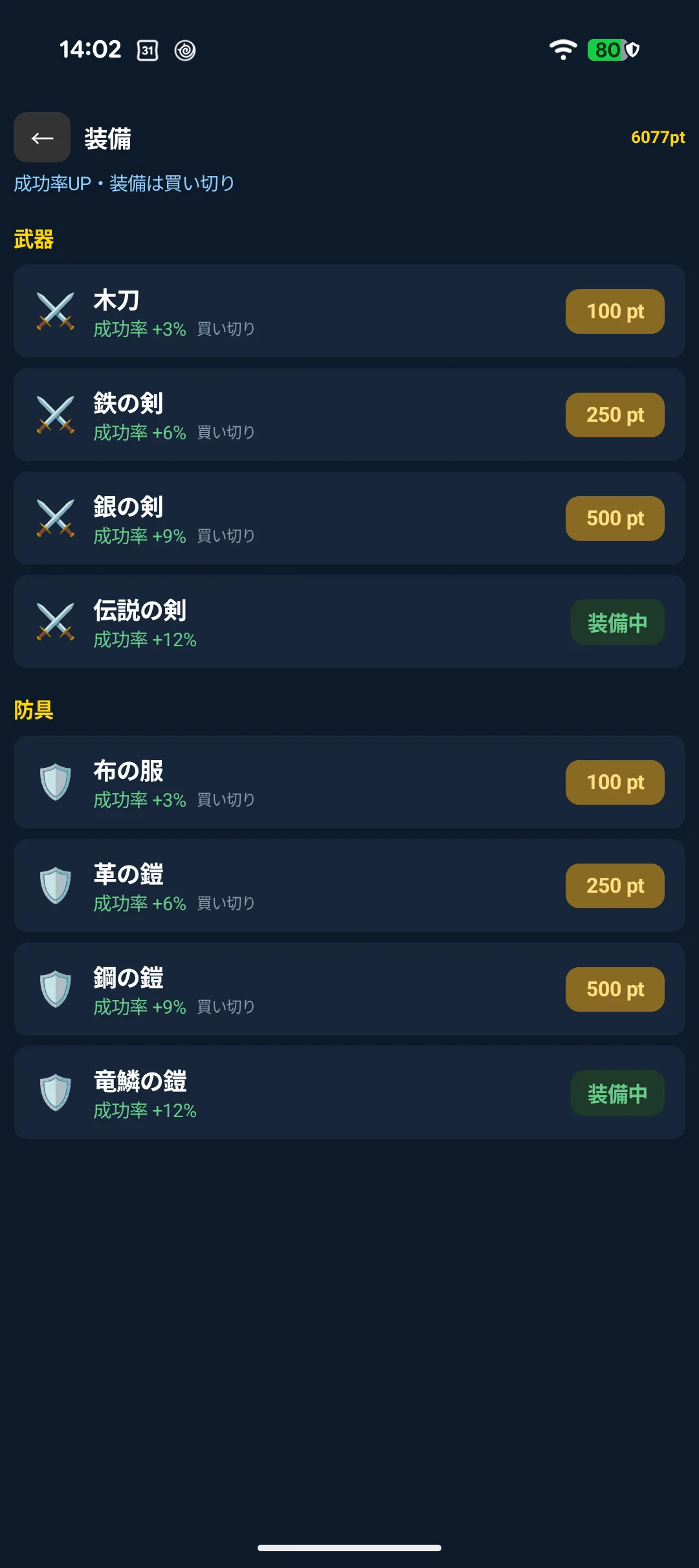
Equipment is bought once and works for every character.
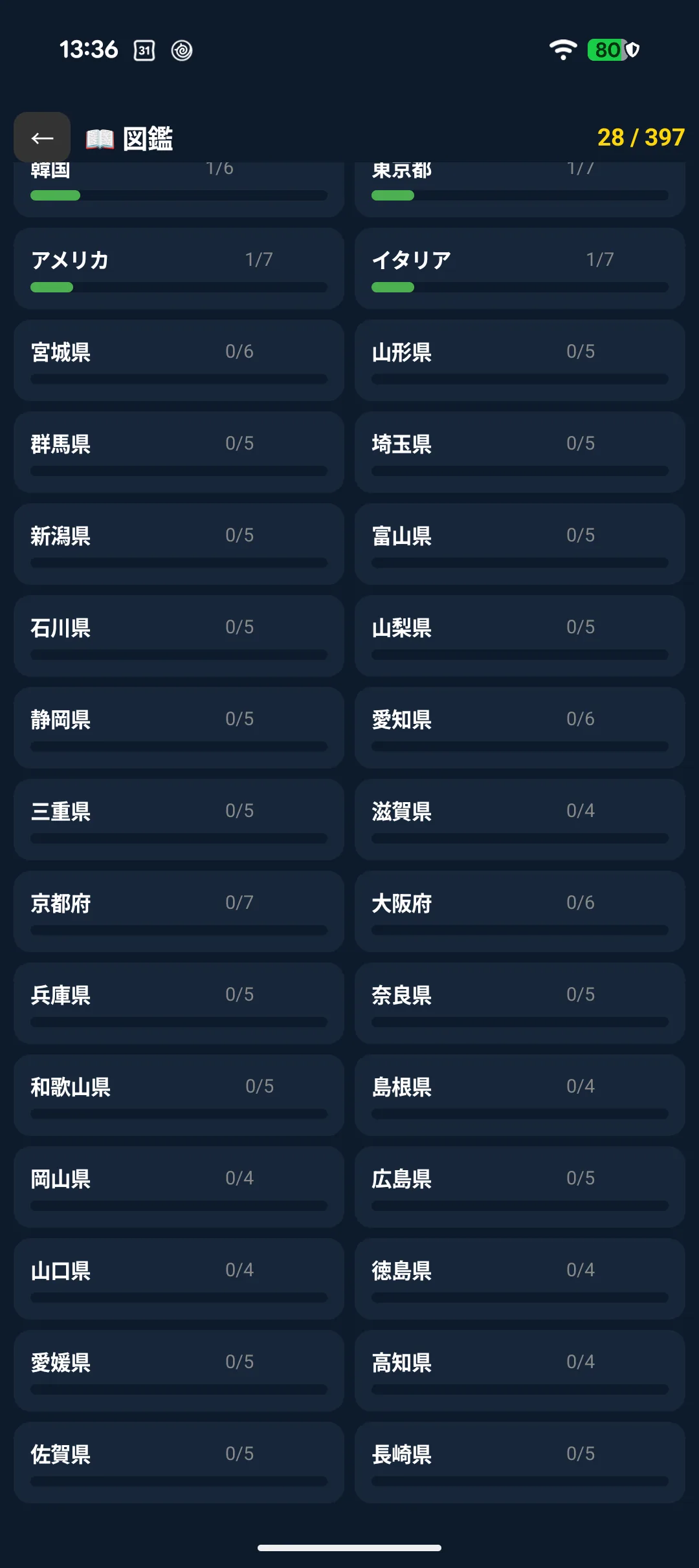
5-7. The specialty collection
What you bring back fills the collection: 397 items across 73 regions.
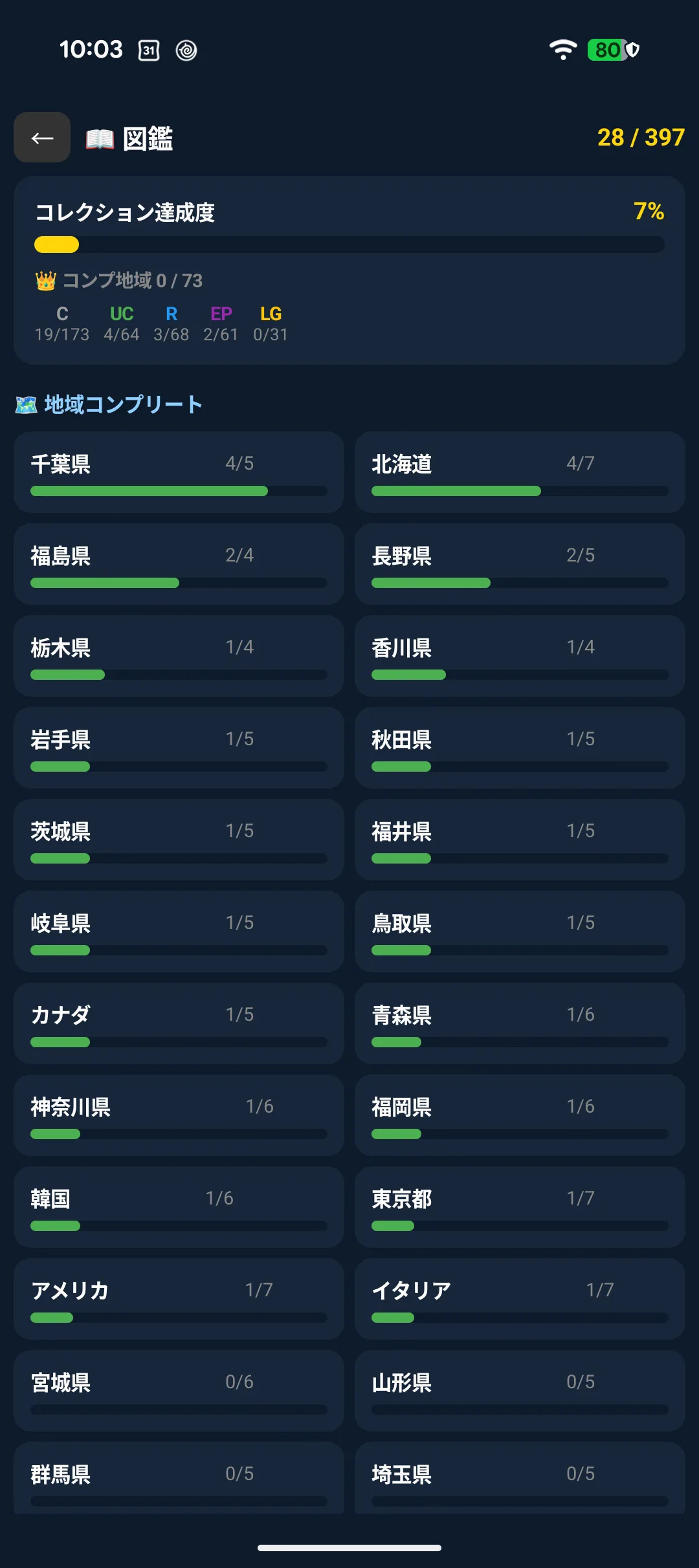
Rarity runs Common → Uncommon → Rare → Epic → Legendary. The more often you visit a region, the better your chances of the higher tiers.
5-8. Rarity boost
Paying +100 pt on the departure screen guarantees Rare or better.
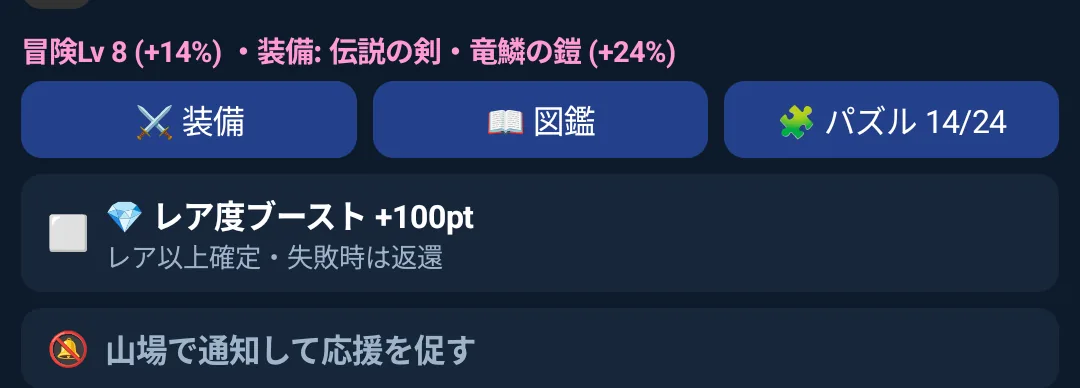
If the trip fails, the 100 pt is refunded in full (unless you rescued it by cheering).
🔮 Tarot
5-9. Choosing a spread
Three to choose from.
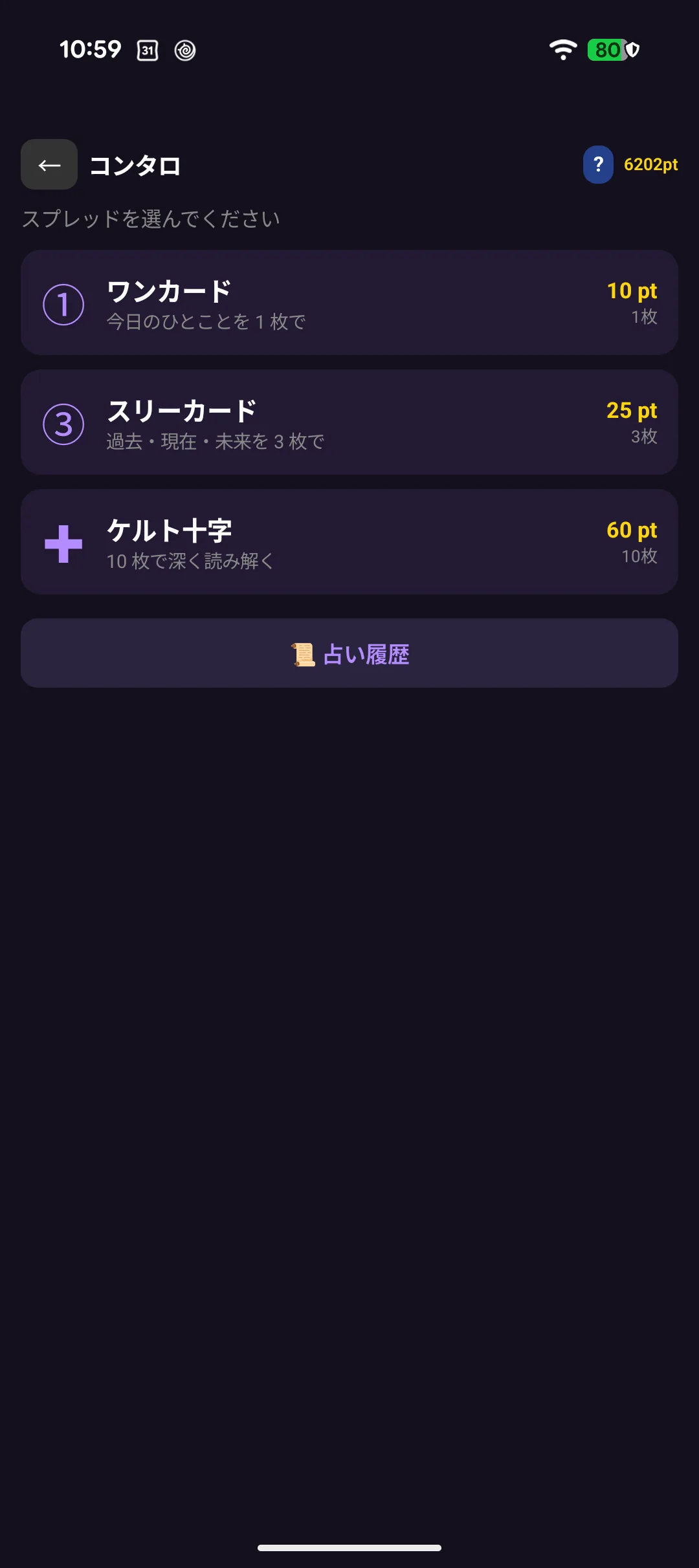
| Spread | Cards | pt |
|---|---|---|
| One card | 1 | 10 |
| Three cards | 3 | 25 |
| Celtic cross | 10 | 60 |
Your first one-card reading is free (and gives you 10 pt). Start there.
5-10. Drawing
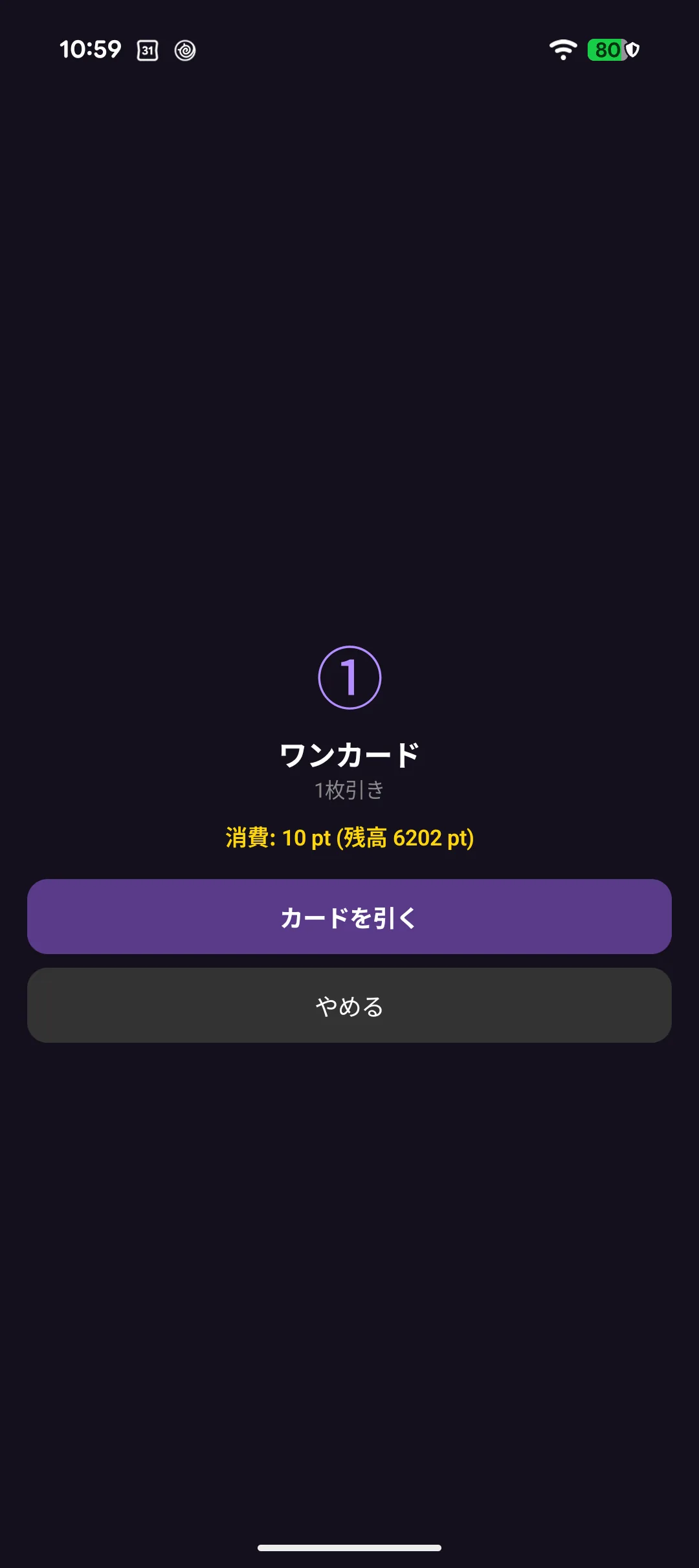
Pick what you want to ask about, then draw.

5-11. Reading the result
Cards come upright or reversed, which changes the meaning — roughly half the time each.
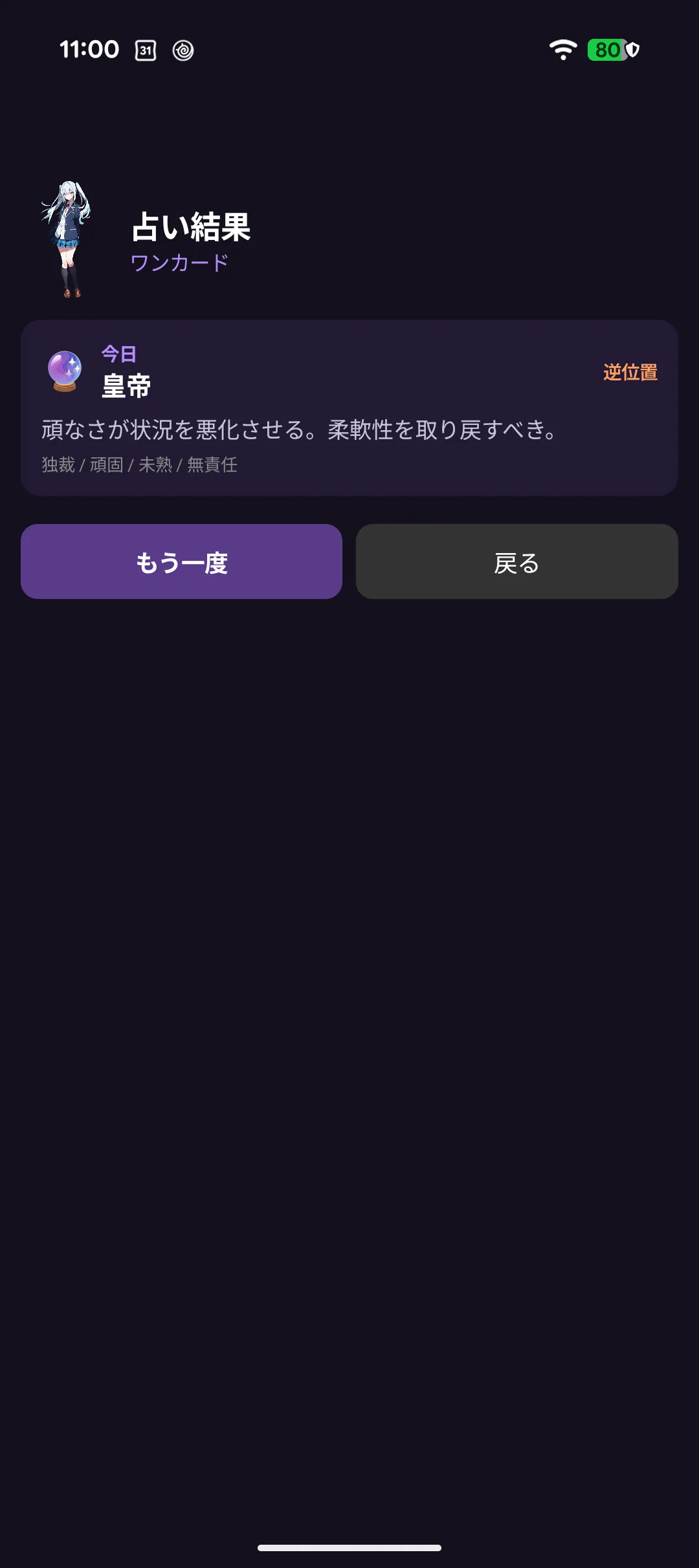
Your character adds a few words of their own.
5-12. History and sharing
Past readings are kept.
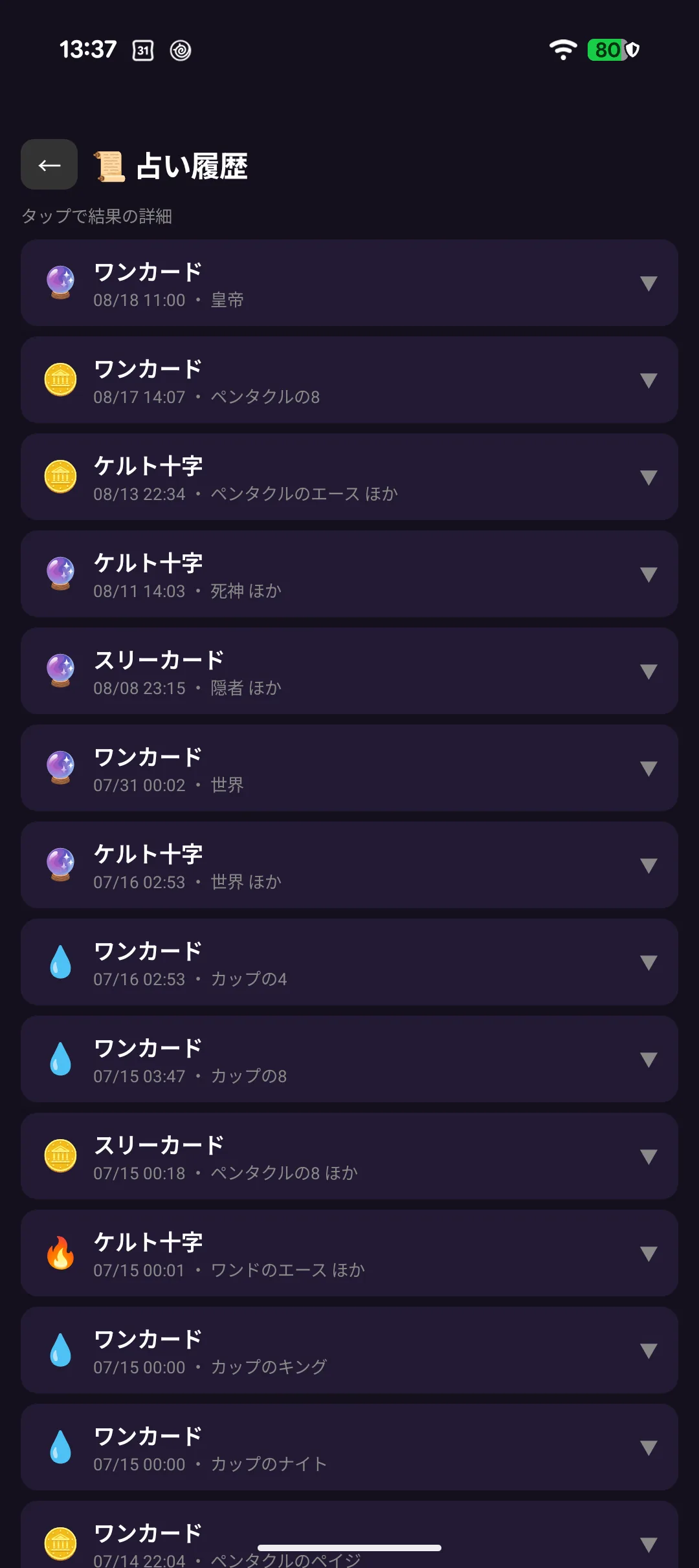
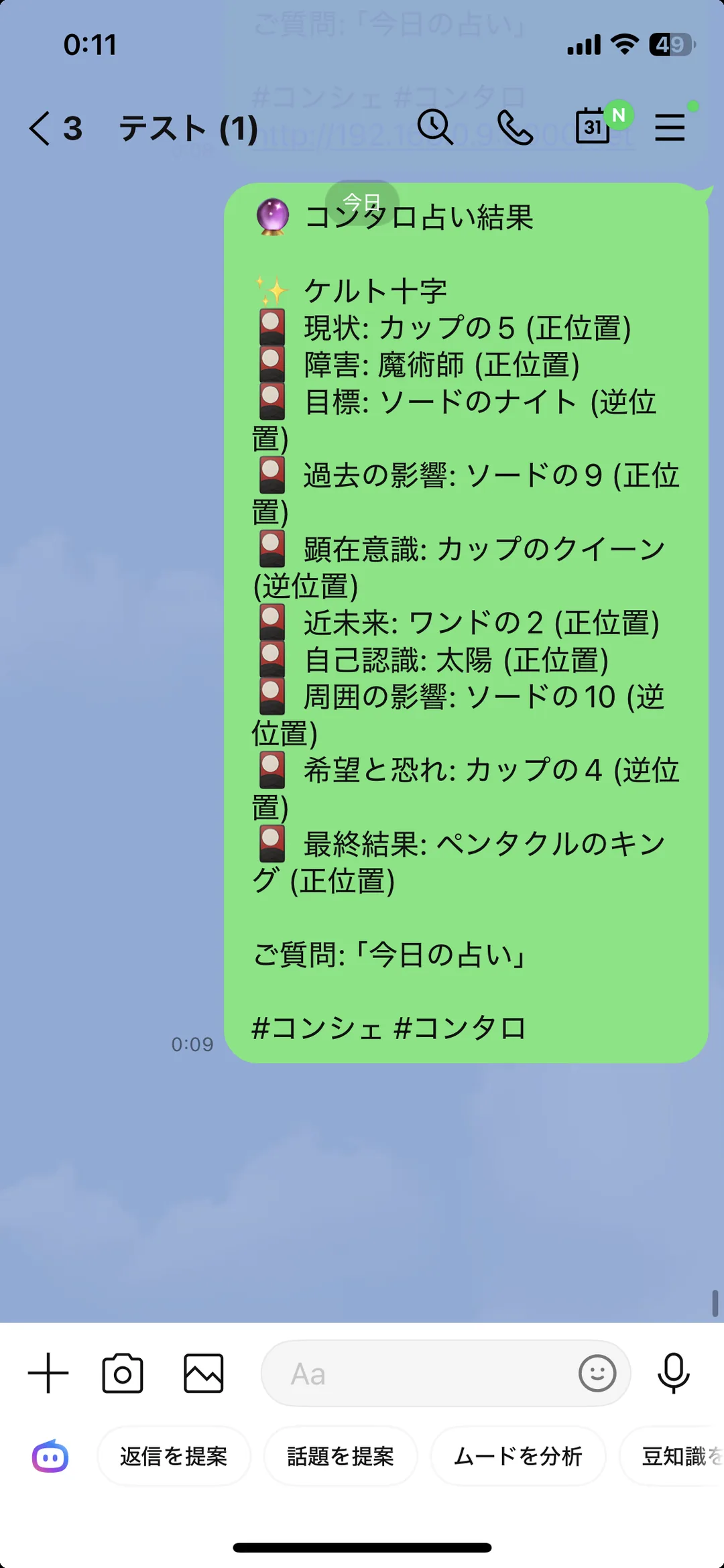
📱 With an iPhone you can turn a result into an image and share it.
🌐 Concon (versus)
A weekly contest over one world map shared with everyone else. Battles resolve three times a day at fixed times.
New to it? Open the five-page tutorial inside Concon. The help screen explains the maths.
5-13. Joining
Choose a name and join. You cannot pick your region — the server assigns them so player counts stay even.
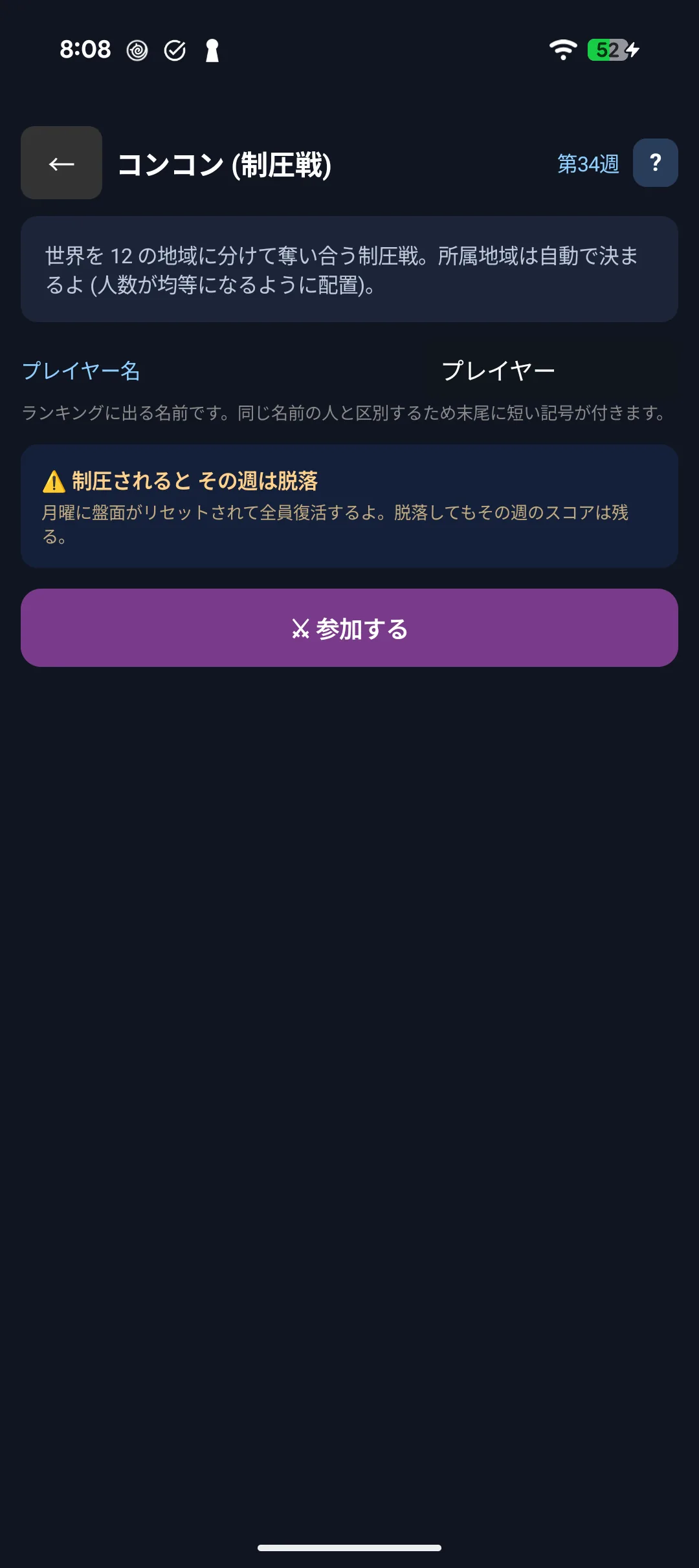
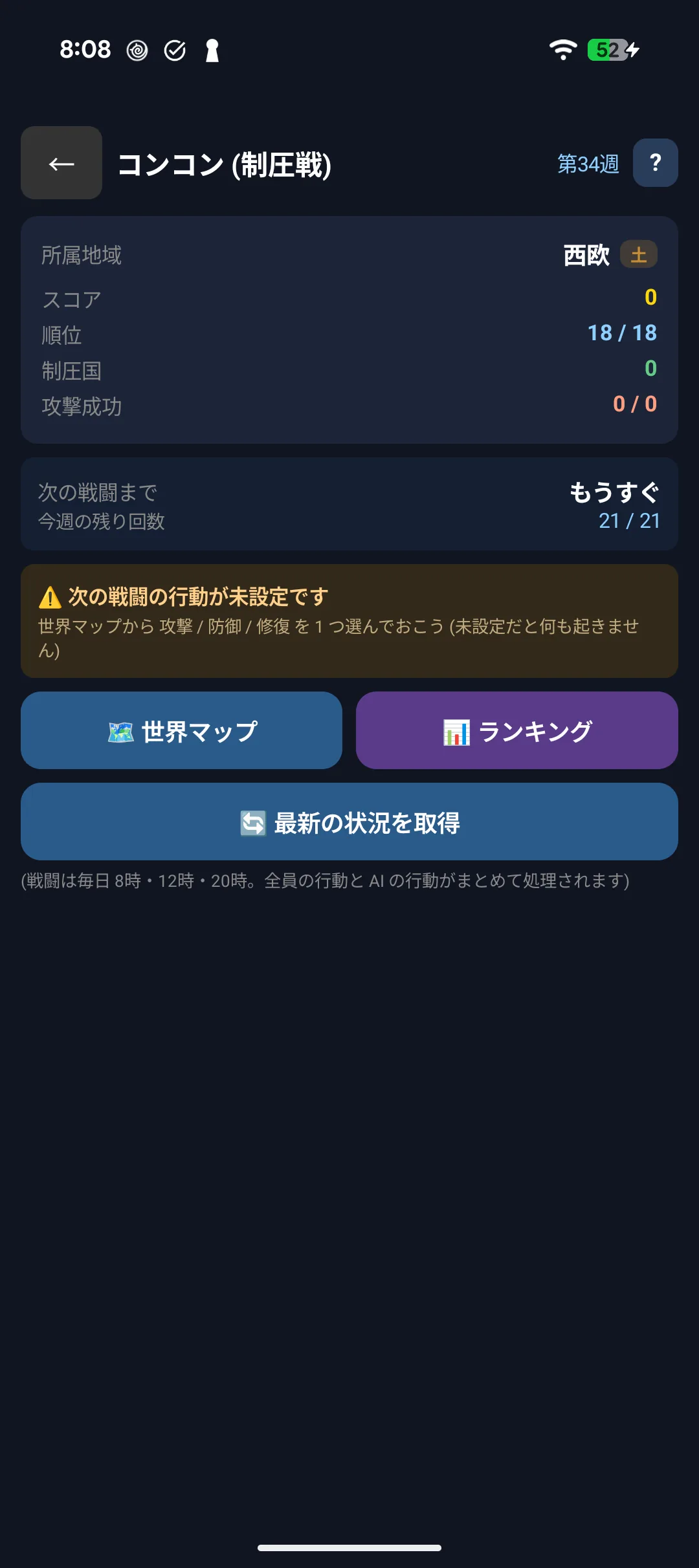
⚠️ If every facility in your region is taken, you are out for that week. Everyone returns with Monday's new cycle, and your score and participation reward are kept.
5-14. The Concon screen

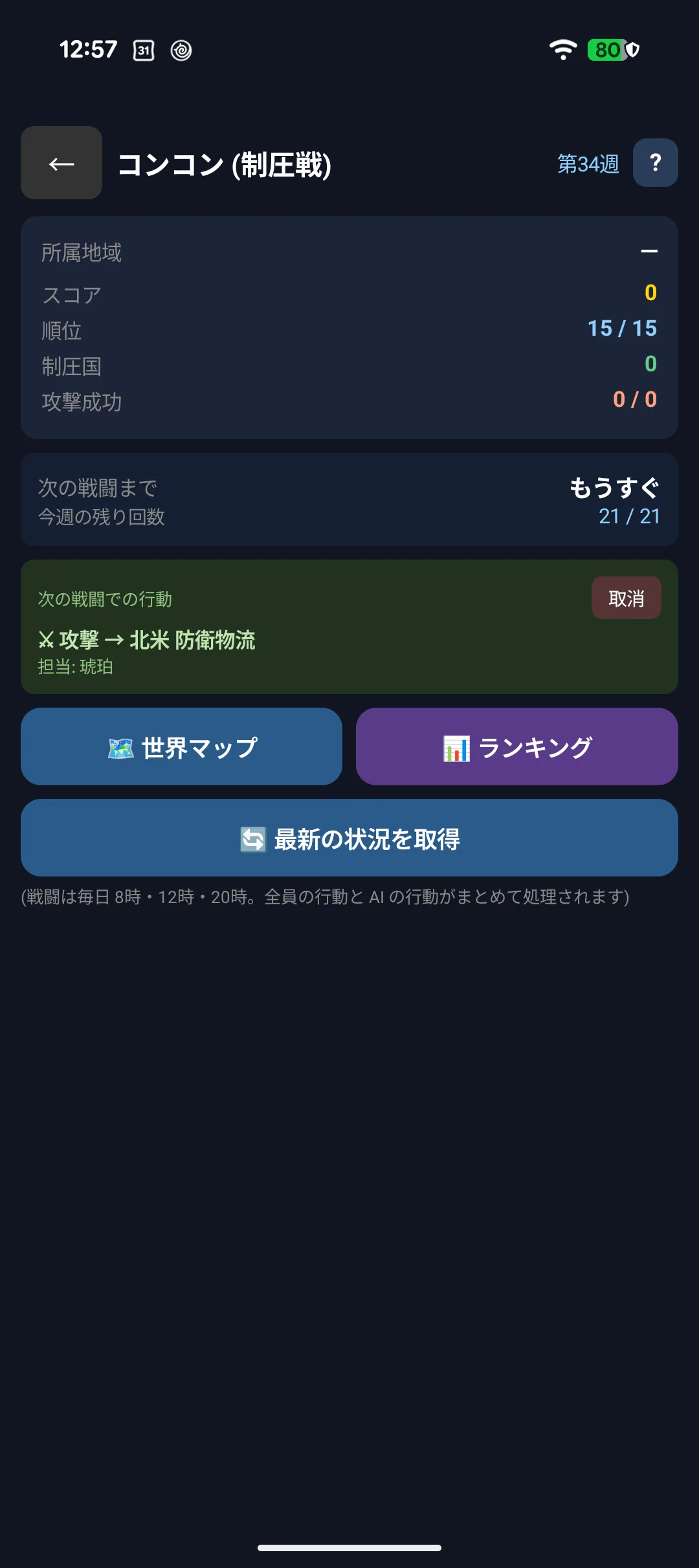
| Display | Meaning |
|---|---|
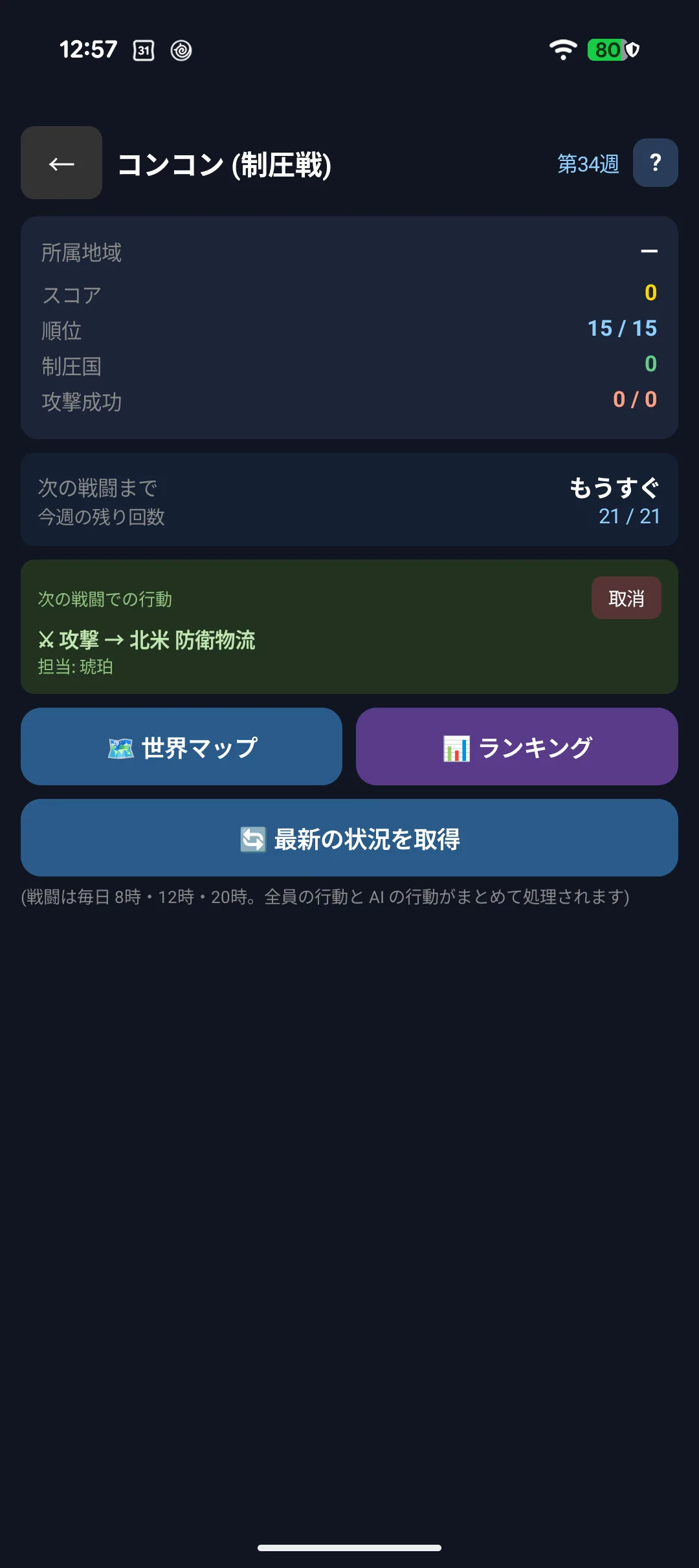
| Next battle in ○○ | Battles happen at 08:00, 12:00 and 20:00 |
| No action set | You have not booked anything yet — decide before the deadline |
| Recent results | Who attacked where, and whether your region held |
5-15. The map
See how the 12 regions (North America, West Europe, East Asia and so on) stand.
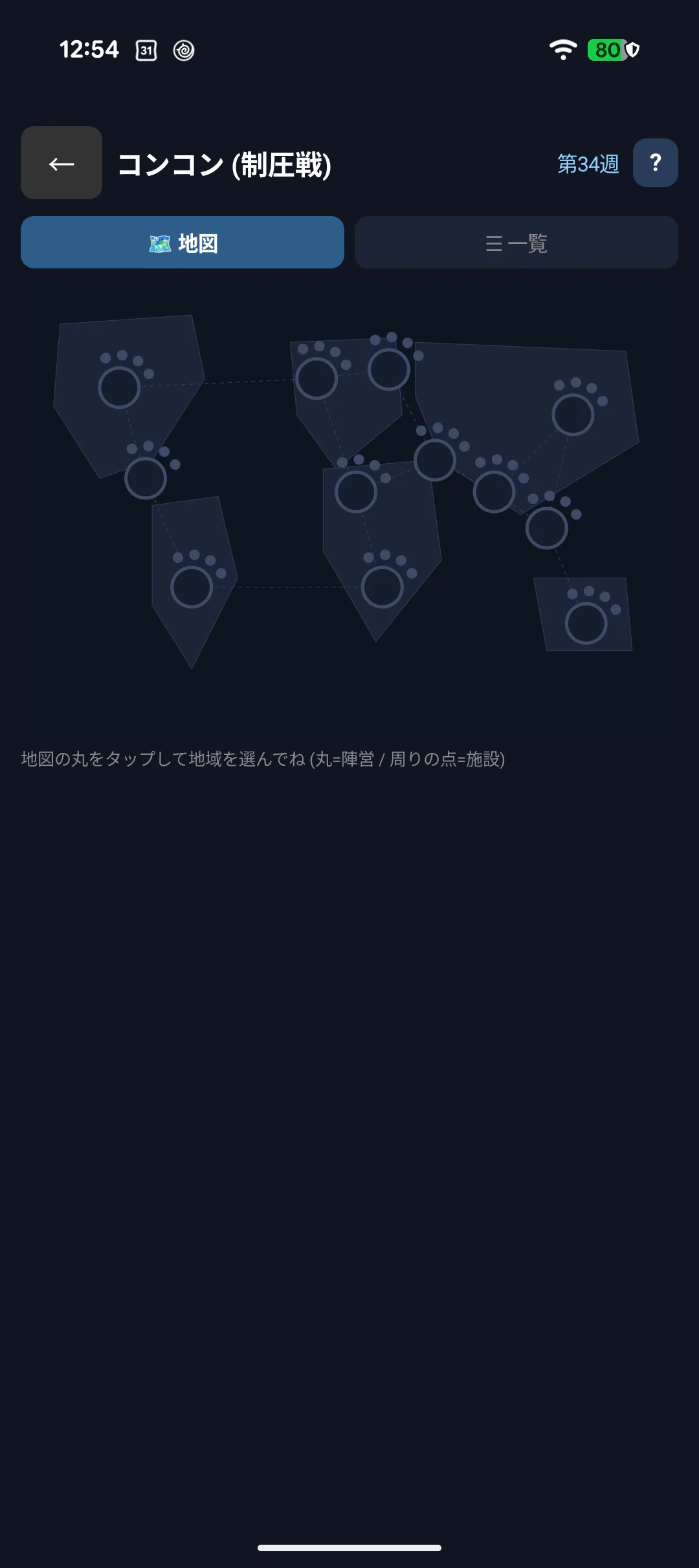
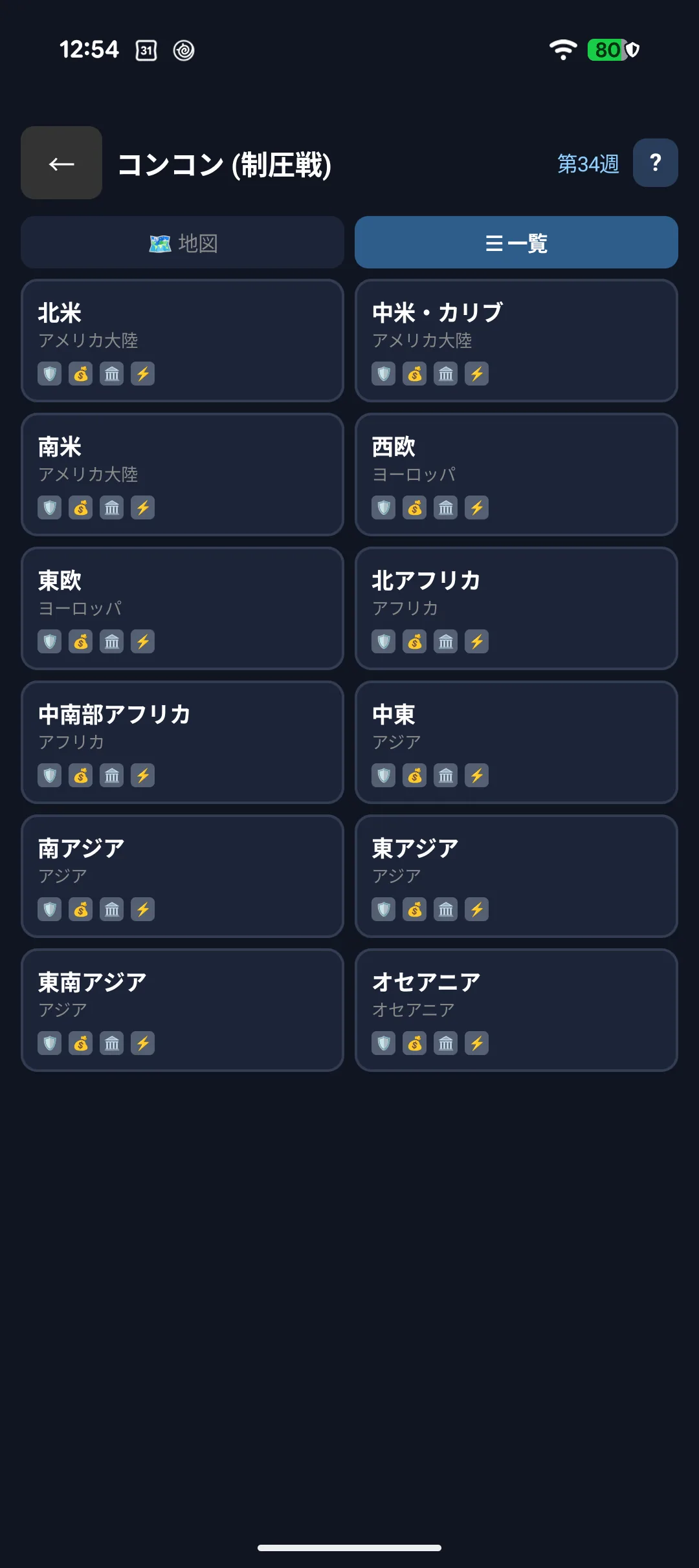
Each region has four facilities — government, infrastructure, finance and defence — and taking all four captures the region.
5-16. Booking an attack
Pick a facility, choose who attacks and how to allocate, then press Confirm.
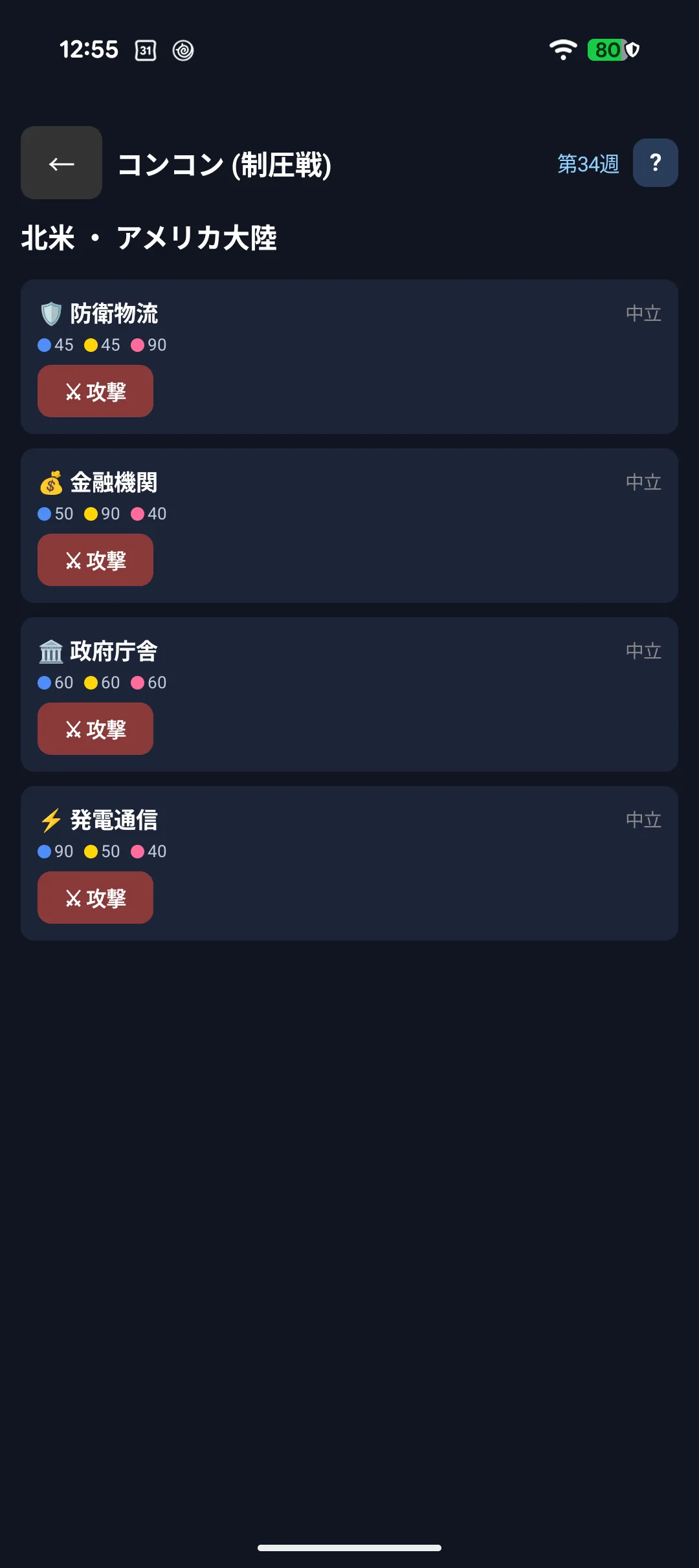
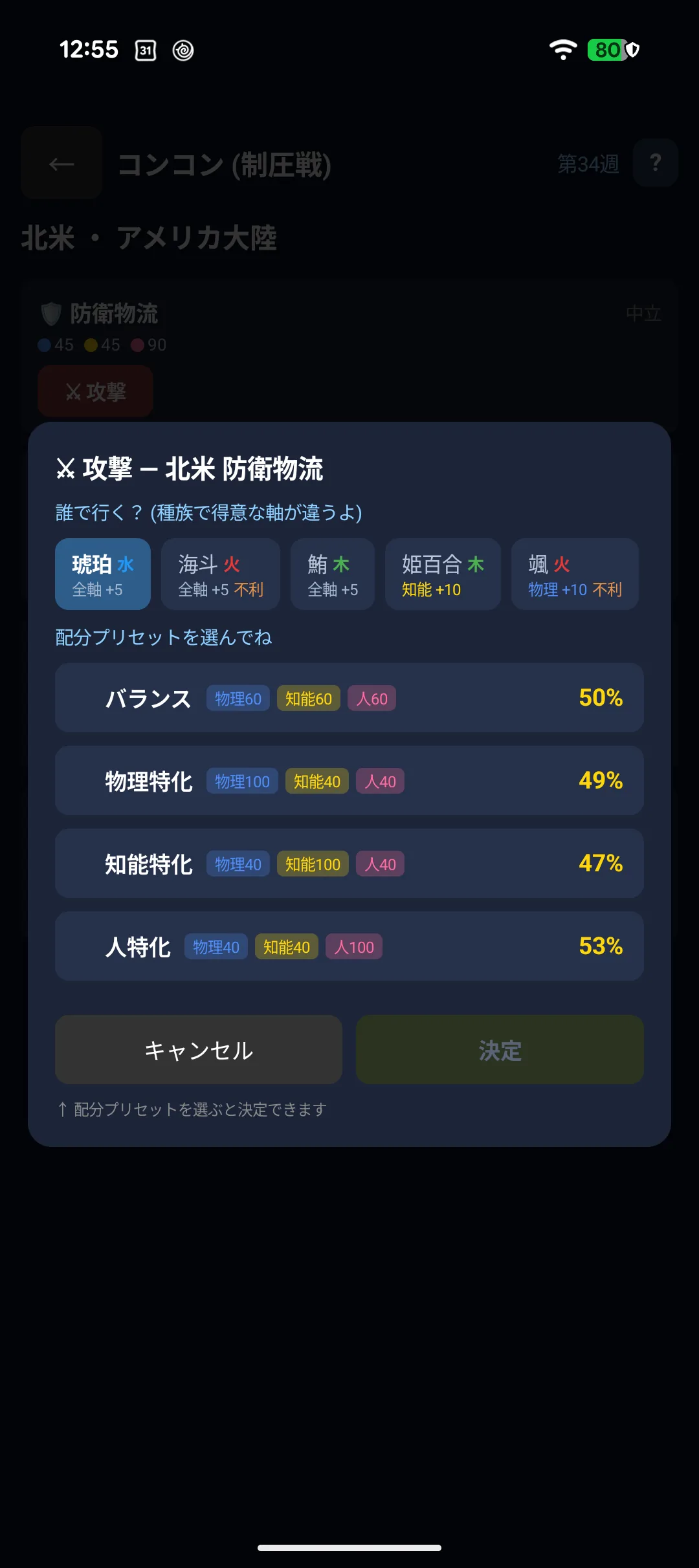
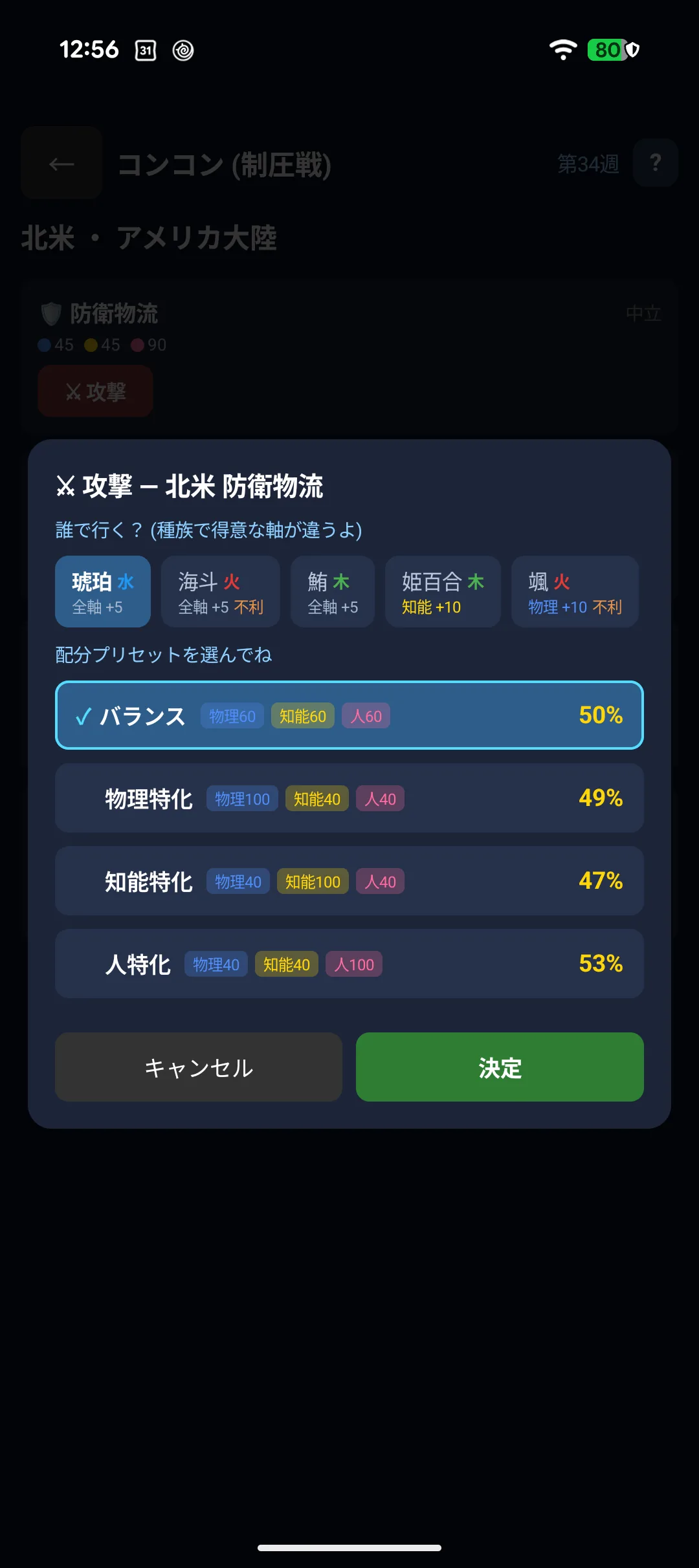
- You split 180 ap across force, cyber and social (the presets are fine). One axis takes at most 100 ap
- ap = ability point. It decides how you fight, and it is not the pt you spend in the shop - using ap costs you no pt
- Facilities have a strong axis (infrastructure = force, finance = cyber, defence = social)
- Tapping a preset does not book it. Compare, then press Confirm
- A success rate of "?" means you have not scouted that region yet (see 5-20). Without knowing their defences, no prediction is possible
5-17. Defending and repairing
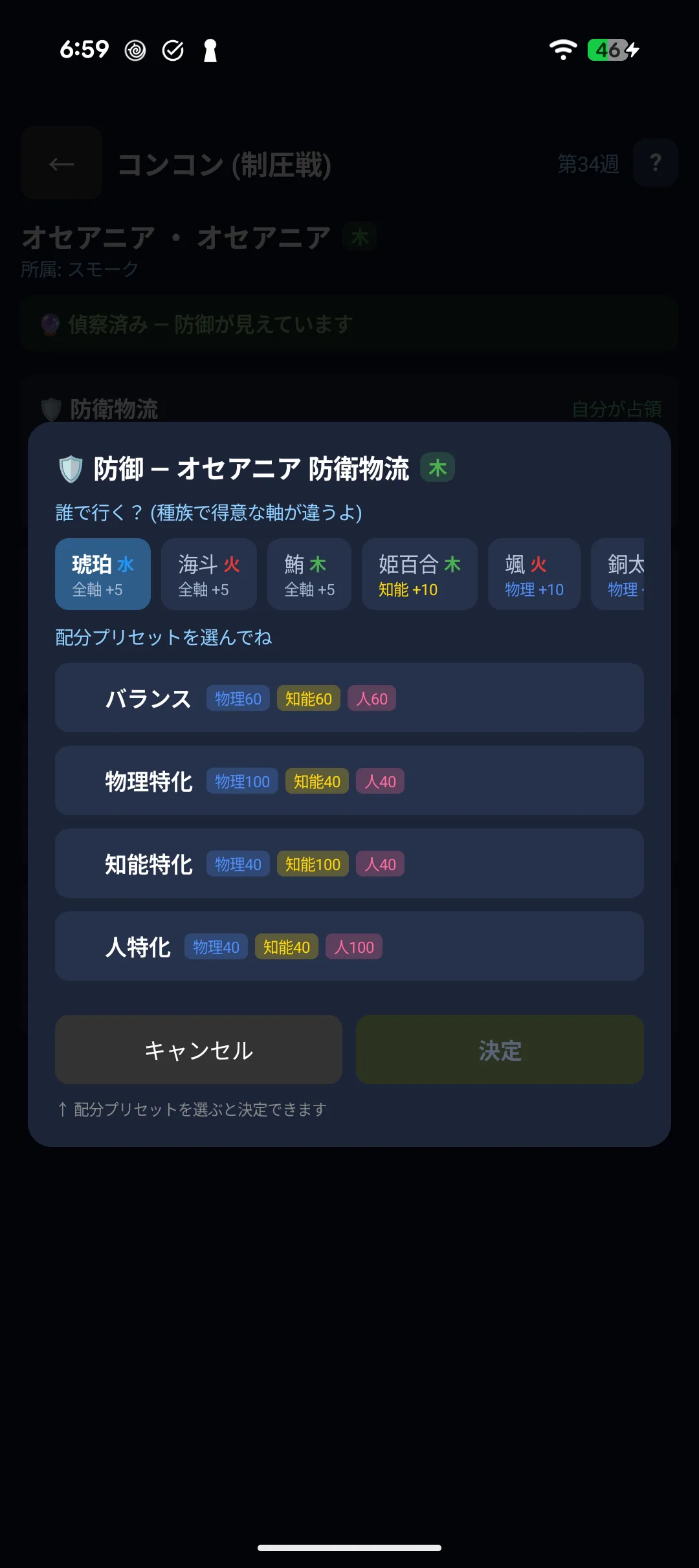
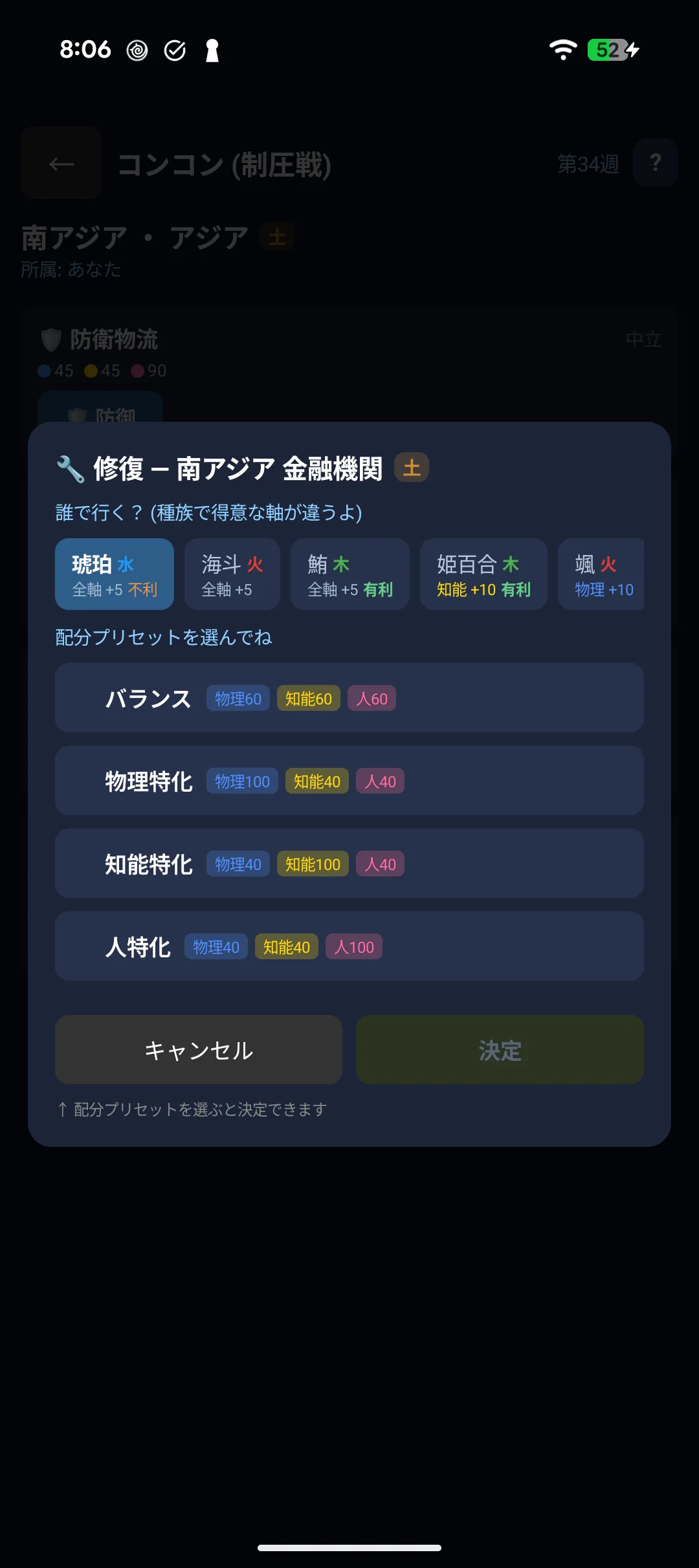
Defend facilities in your own region, and repair the ones that were taken.
5-18. Elements (five phases)
Every character is wood, fire, earth, metal or water, and each region gets a new element every week.

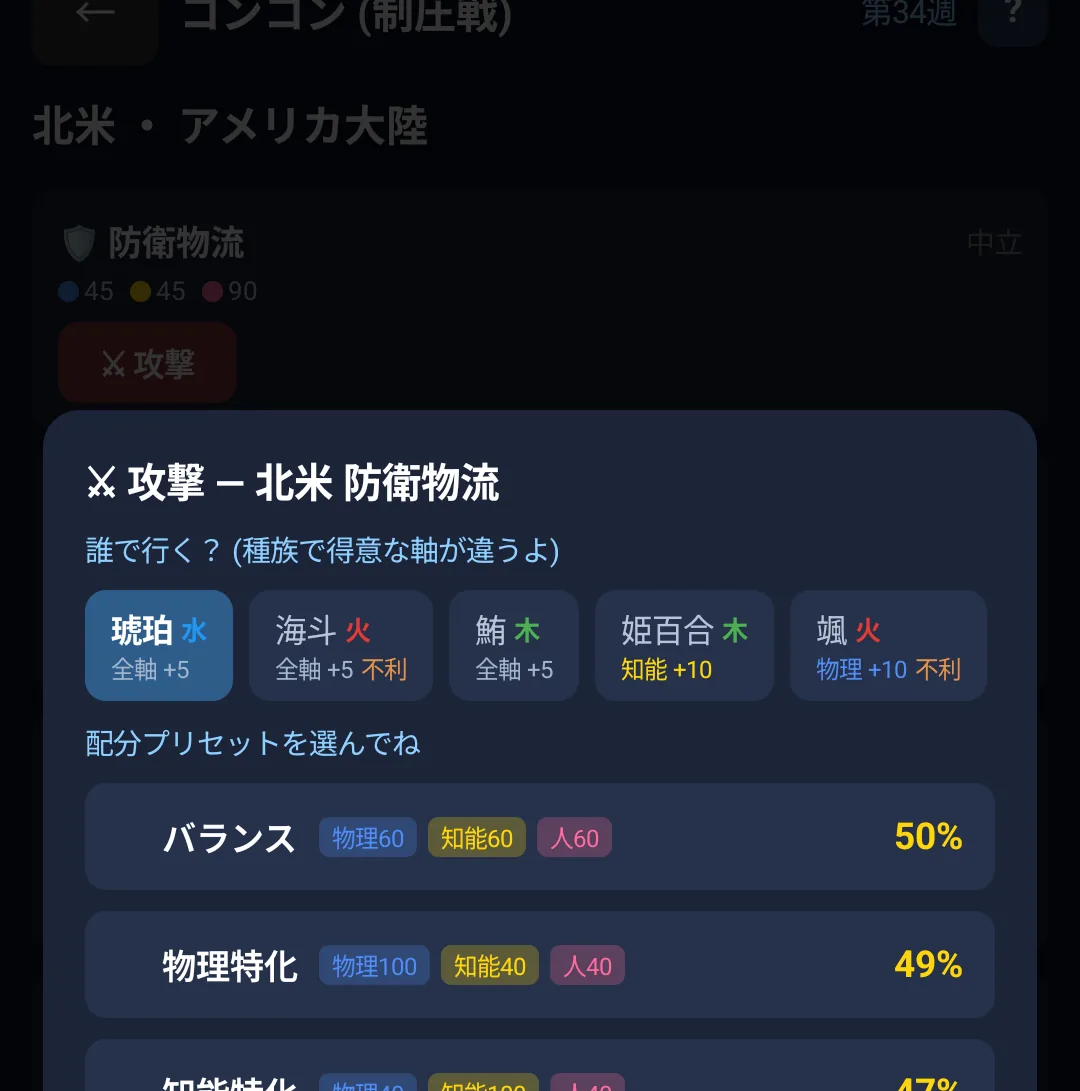
- The cycle runs wood → earth → water → fire → metal → wood
- Advantage multiplies your attack by 1.25, disadvantage by 0.9. It applies to attacks only
- A character rests for 20 hours after acting, so having several ready pays off
5-19. Score and weekend rewards
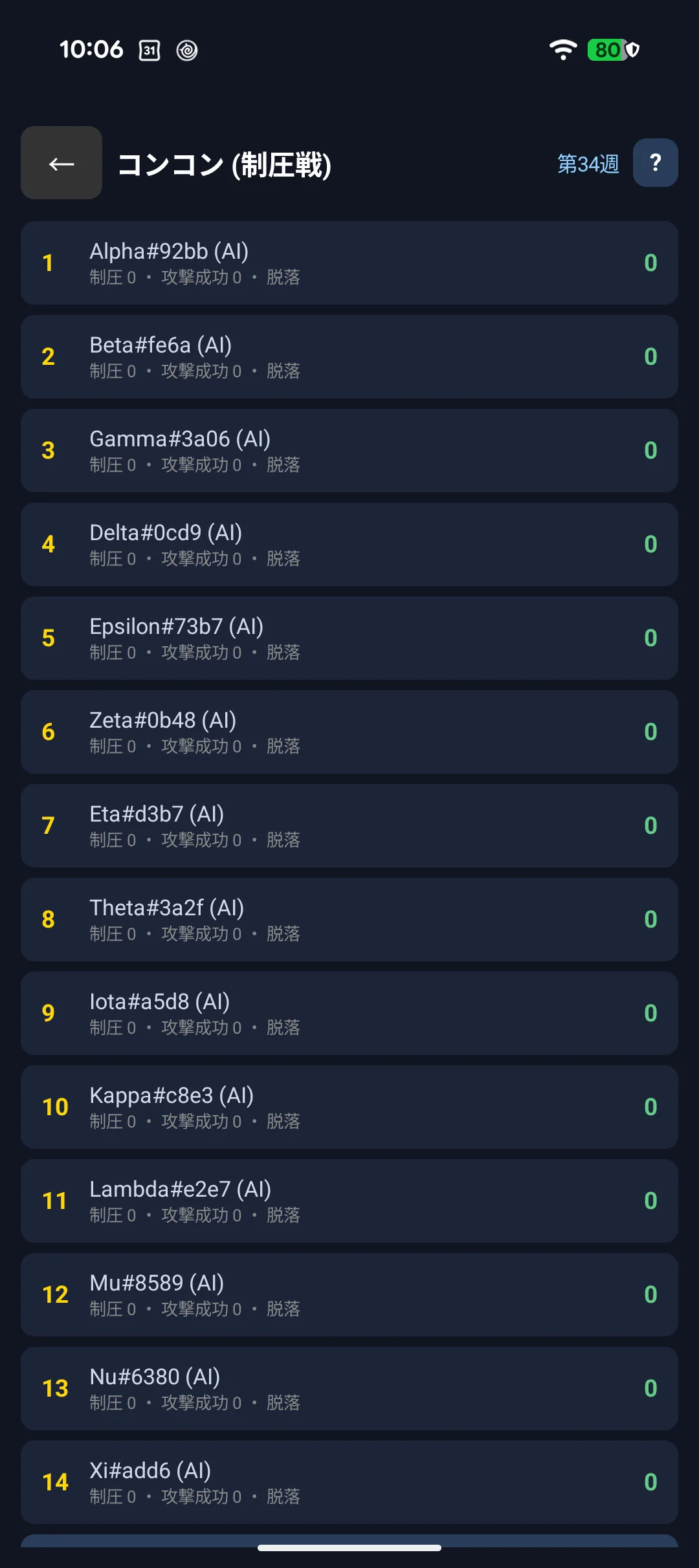
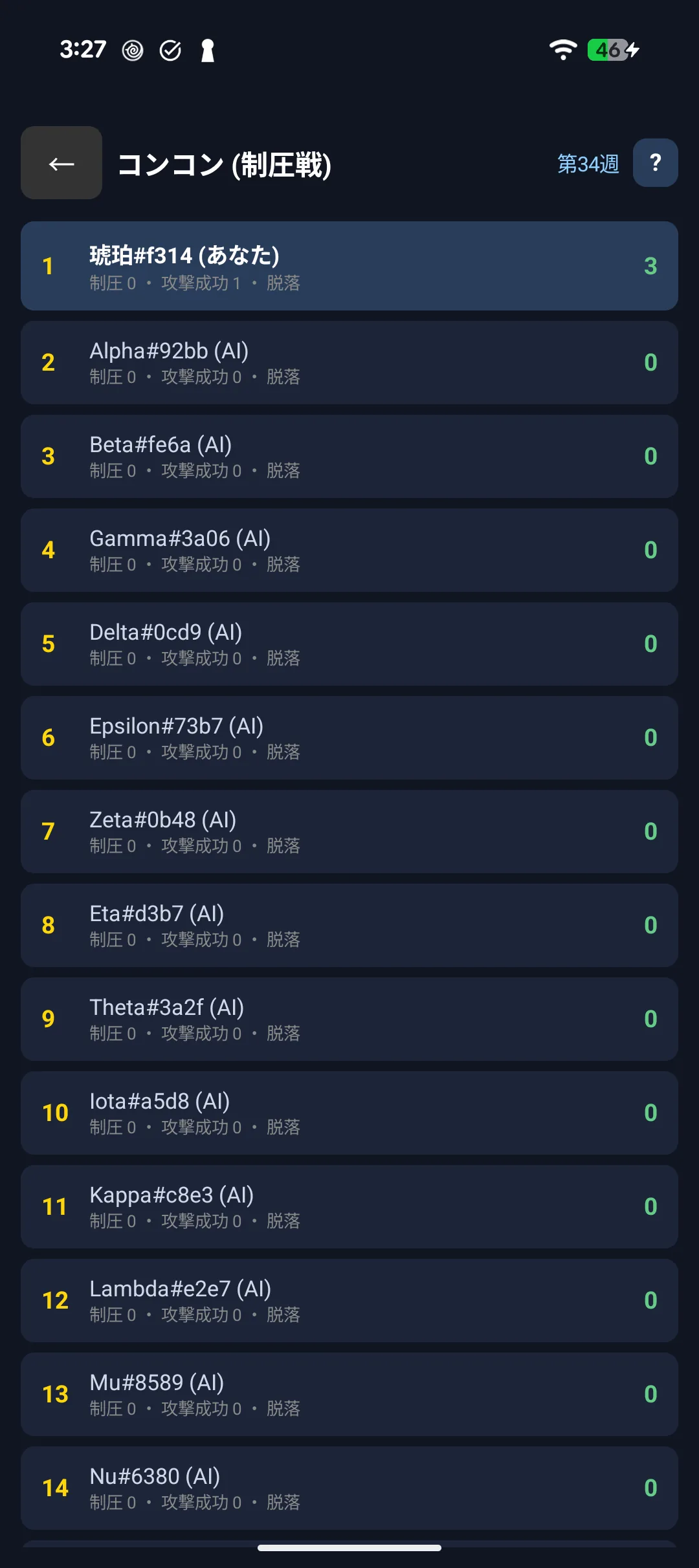
Score comes from attacks ×3, captures ×100, successful defences ×2 and days survived ×5. Captures are worth the most, so focusing on one region pays.
Rewards arrive at the weekend.
| Reward | |
|---|---|
| Playing every day | 60 pt |
| Weekly MVP | 100 pt |
| Your region's results | 60 / 40 / 20 pt by rank |
5-20. Boosts
Spend pt for an edge. You can compete perfectly well without them - the effects are deliberately modest, so a whole week is winnable for free.
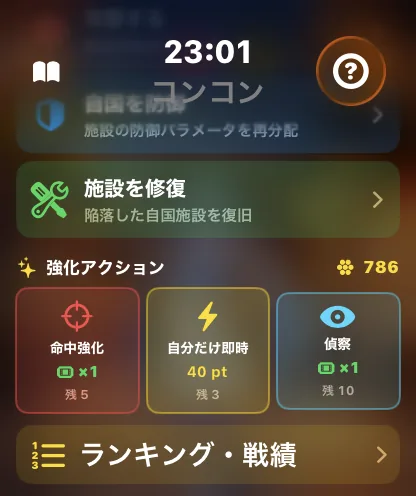
| Boost | pt | Effect | Per week |
|---|---|---|---|
| 🎯 Accuracy | 50 | +15% success on your next attack only (the 95% cap still applies) | 5x |
| ⚡ Resolve mine | 40 | Settle only your own booking without waiting for the next battle | 3x |
| 🔮 Scout | 20 | Reveal one region's defences for the rest of the week | 10x |
Where you find them differs by device.
| ⌚ Apple Watch | 🤖 Android / Wear OS | |
|---|---|---|
| 🎯 Accuracy | Prepared from "Boosts" on the hub, then rides your next attack | Inside the attack screen |
| ⚡ Resolve mine | "Boosts" on the hub | On your queued action |
| 🔮 Scout | Pick it on the hub, then choose a region | On the region screen |
Your first time joining Concon gives you one free 🔮 Scout and one 🎯 Accuracy ticket. Tickets are used before pt. Usage counts reset to 0 with the Monday reset.
Regions you have not scouted show "?"
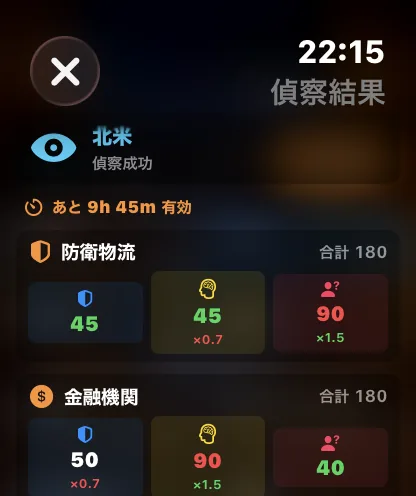
Outside your own region, defence figures stay hidden until you scout, and the attack screen shows "?" instead of a success rate. Scout first when you really mean to take a region.
When pt is deducted
Only when something actually happens. In these cases nothing happens and nothing is charged:
- 🔮 Scout: you had already scouted that region this week
- ⚡ Resolve mine: you had nothing queued
- Either: you had used up this week's allowance
If you cancel a booking that carried 🎯 Accuracy - or change it to a different action - you get it back (a ticket if that is what you spent).
🗡 Conquest (conquest)
5-21. Setting out to explore
The Conquest screen shows your conquests, defeats, total battles and explorations left today.
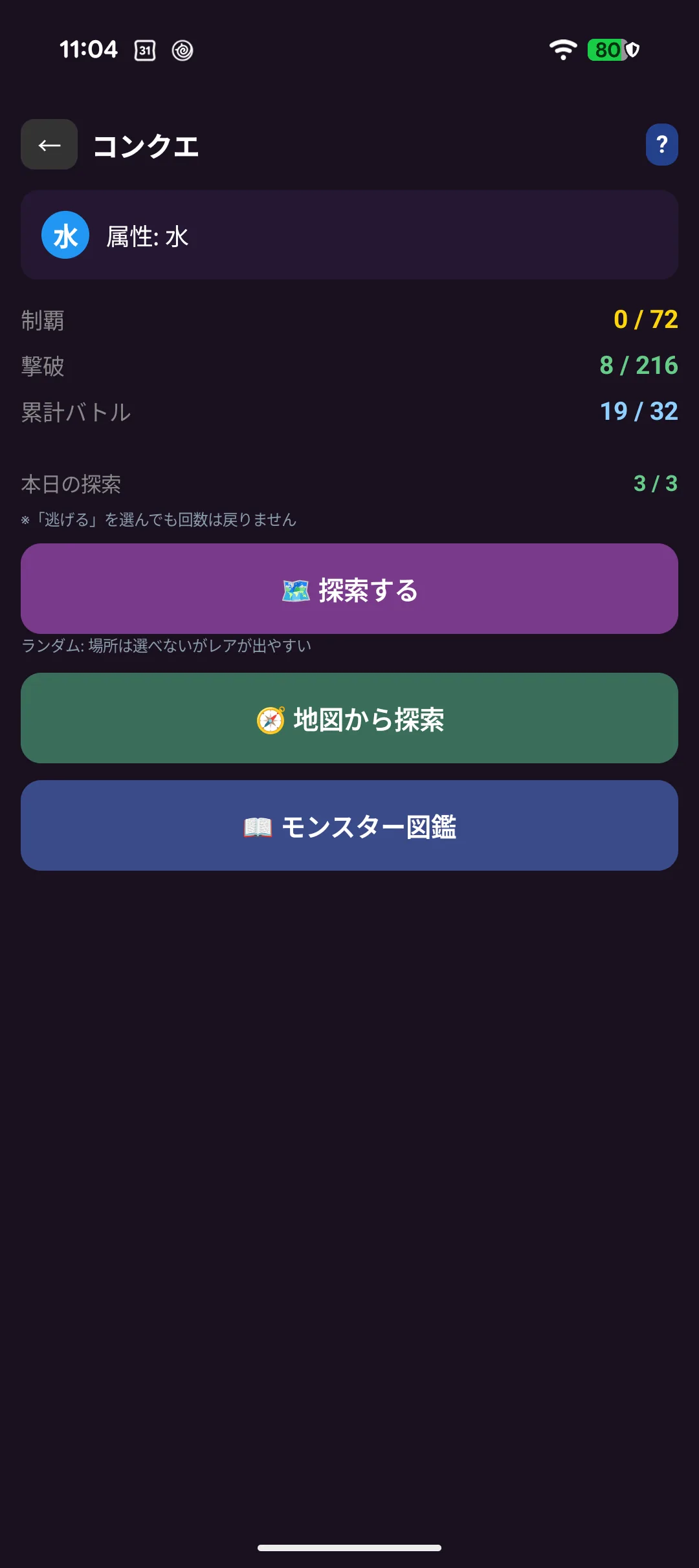
There are two ways to explore:
| 🗺 Explore | You do not choose the place, but rarer monsters appear |
| 🧭 Explore from the map | Pick where to go yourself |
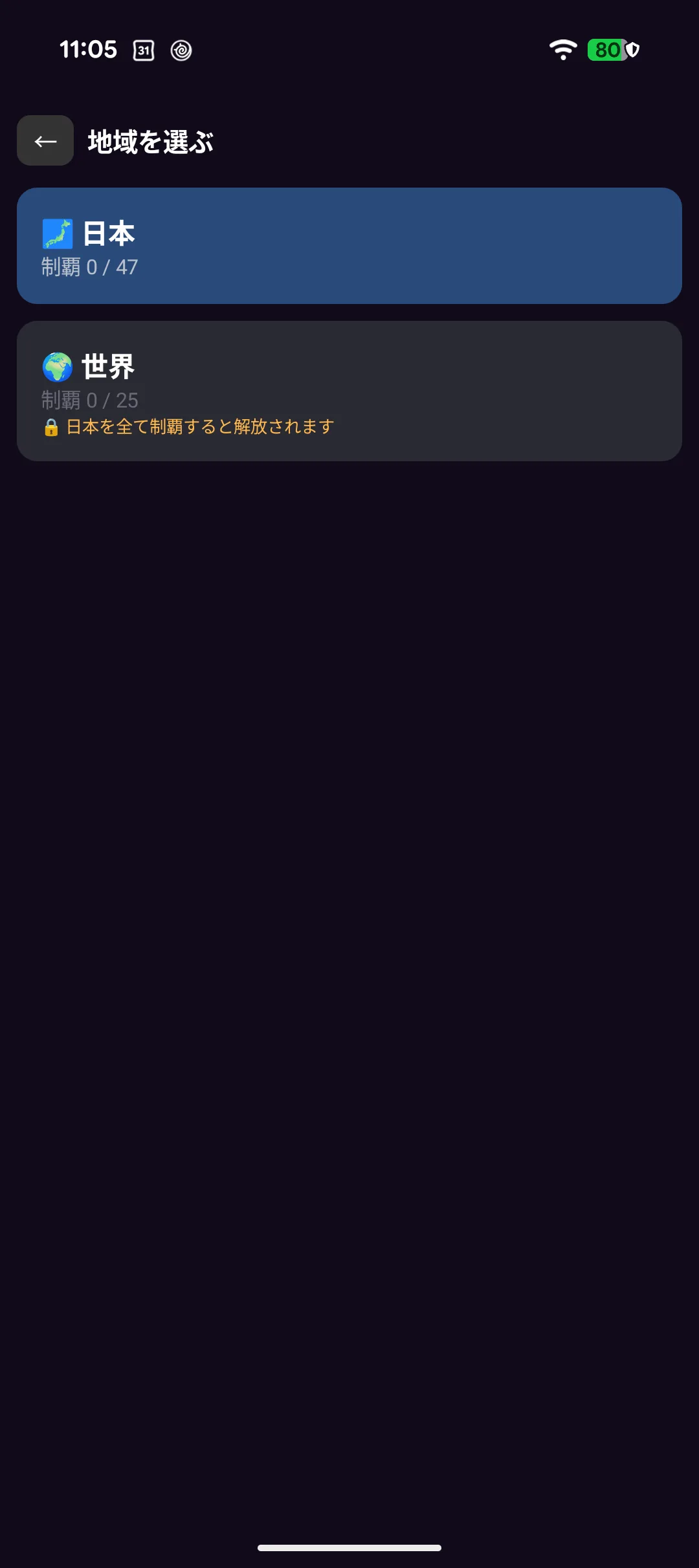
Three explorations a day. Choosing "run away" does not give the attempt back.
5-22. Encounters and battles
Exploring turns up a monster, with its name, rarity, HP / ATK / DEF and elemental matchup ("Yamanashi's green-wind roc / ☆☆ Rare / HP 131 ATK 14 DEF 8 / Water vs Wood → even").
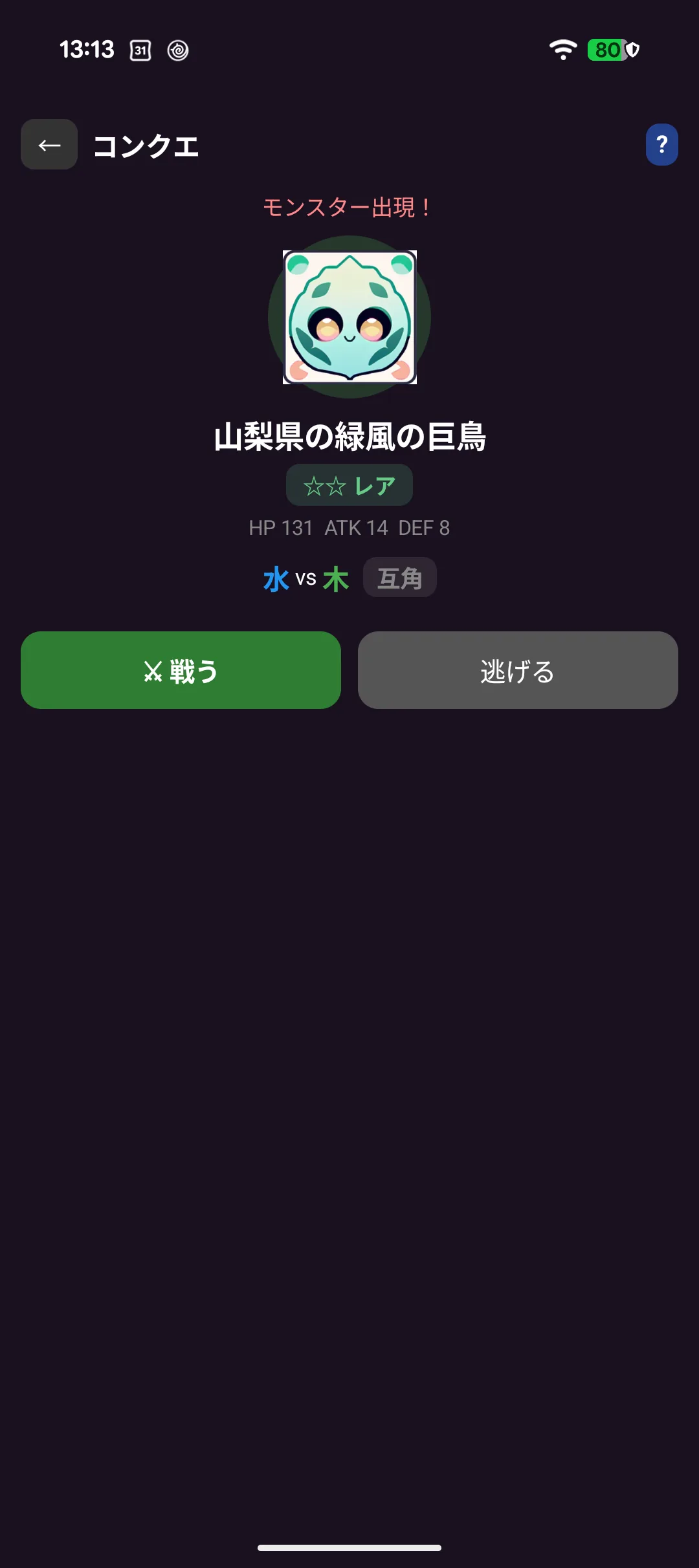
Choose Fight or Run. Running still uses up one of the day's explorations.
The battle itself is block-breaking: slide the paddle to return the ball, and every block you break takes HP off your opponent. Both HP bars sit at the top of the screen.
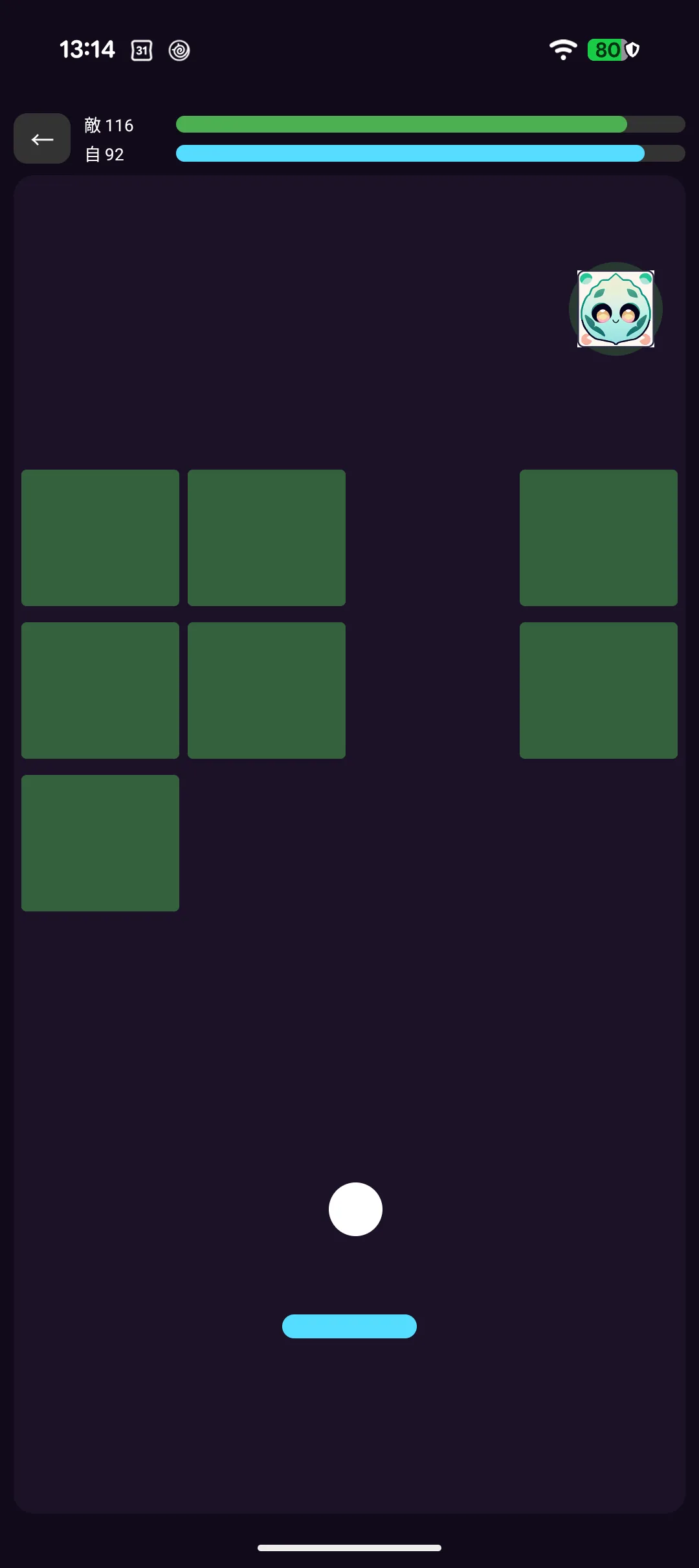
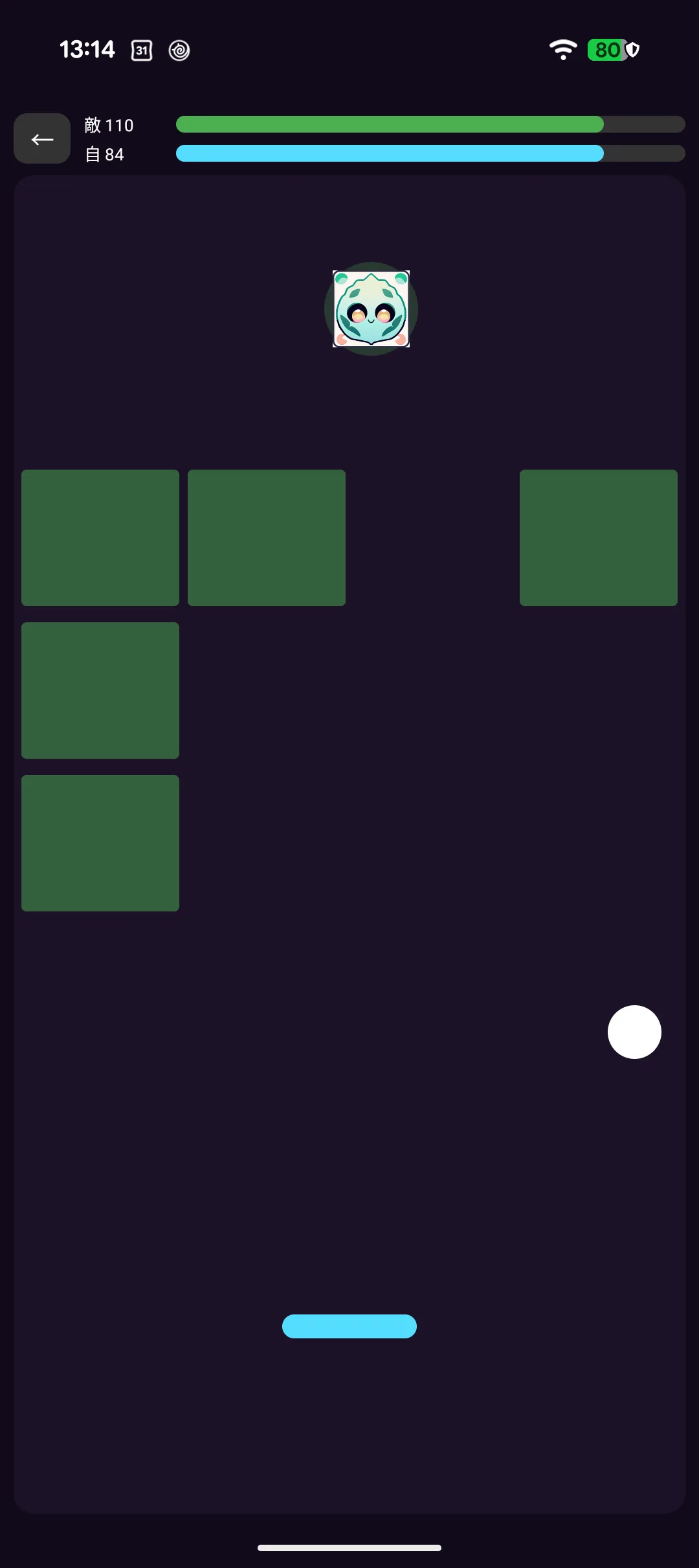
Elemental matchups shift damage to ×1.5 or ×0.75, so a favourable character makes it easier. Defeat every monster in a place to conquer it, and you can rematch ones you have beaten.
⌚ The Apple Watch version plays differently and shows four ailments — poison, burn, freeze and paralysis — next to the HP bars.
5-23. Encyclopedia and badges
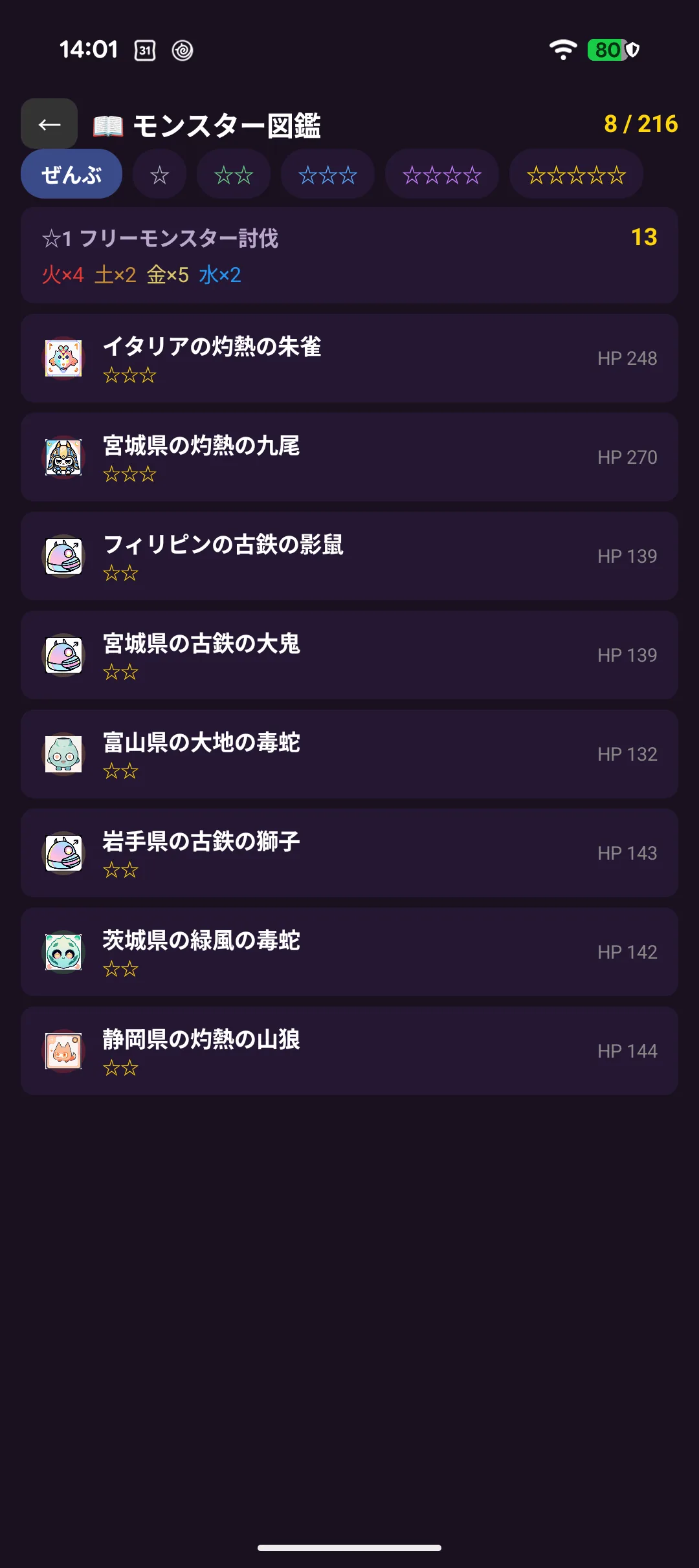
Every monster you defeat stays in the encyclopedia, and you can filter by rarity (★1-★5).
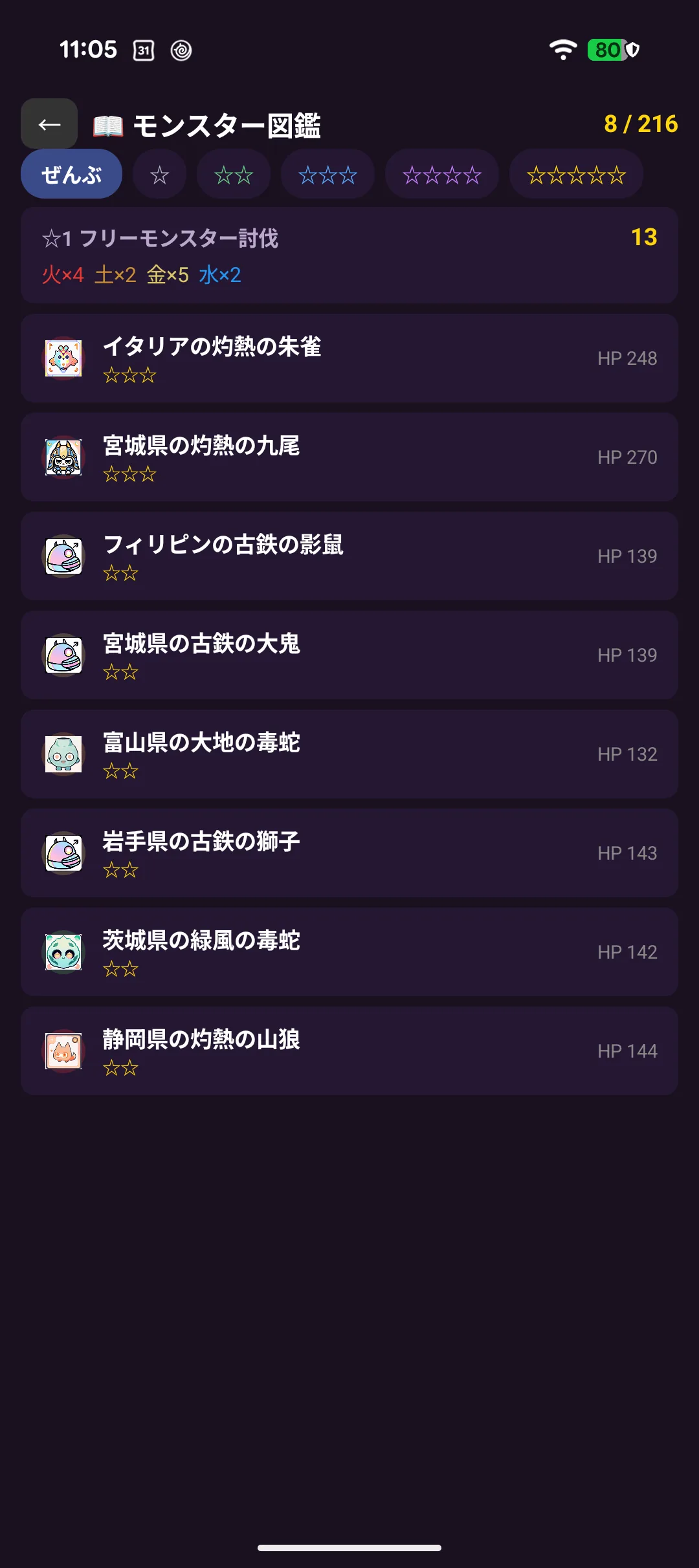
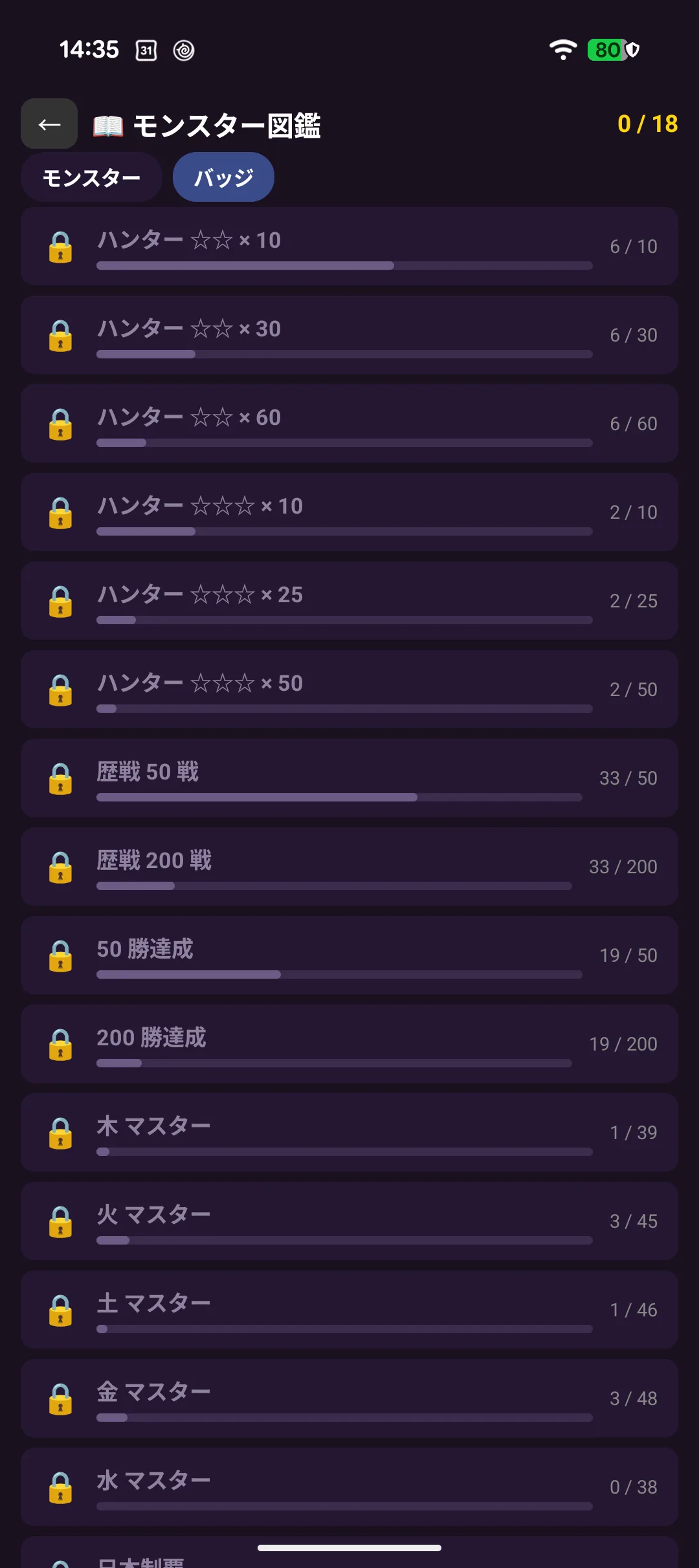
Switching to Badges at the top shows your progress on 18 achievement badges — defeating ten ☆☆ monsters, conquering Japan, clearing every wood-element monster, and so on. Each one shows how many are left.
🧩 Puzzles
5-24. Collecting pieces to complete an illustration
Each character has an illustration that is revealed as you collect pieces.
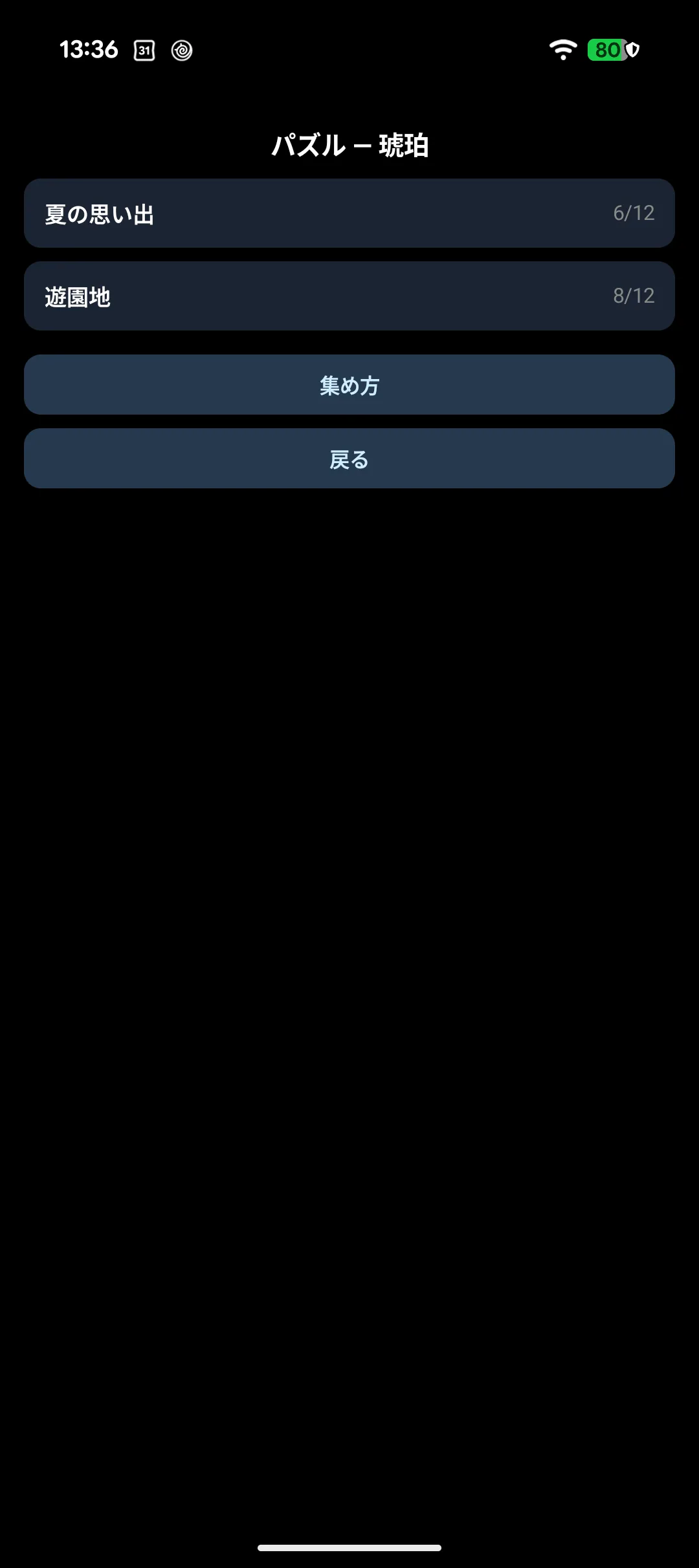
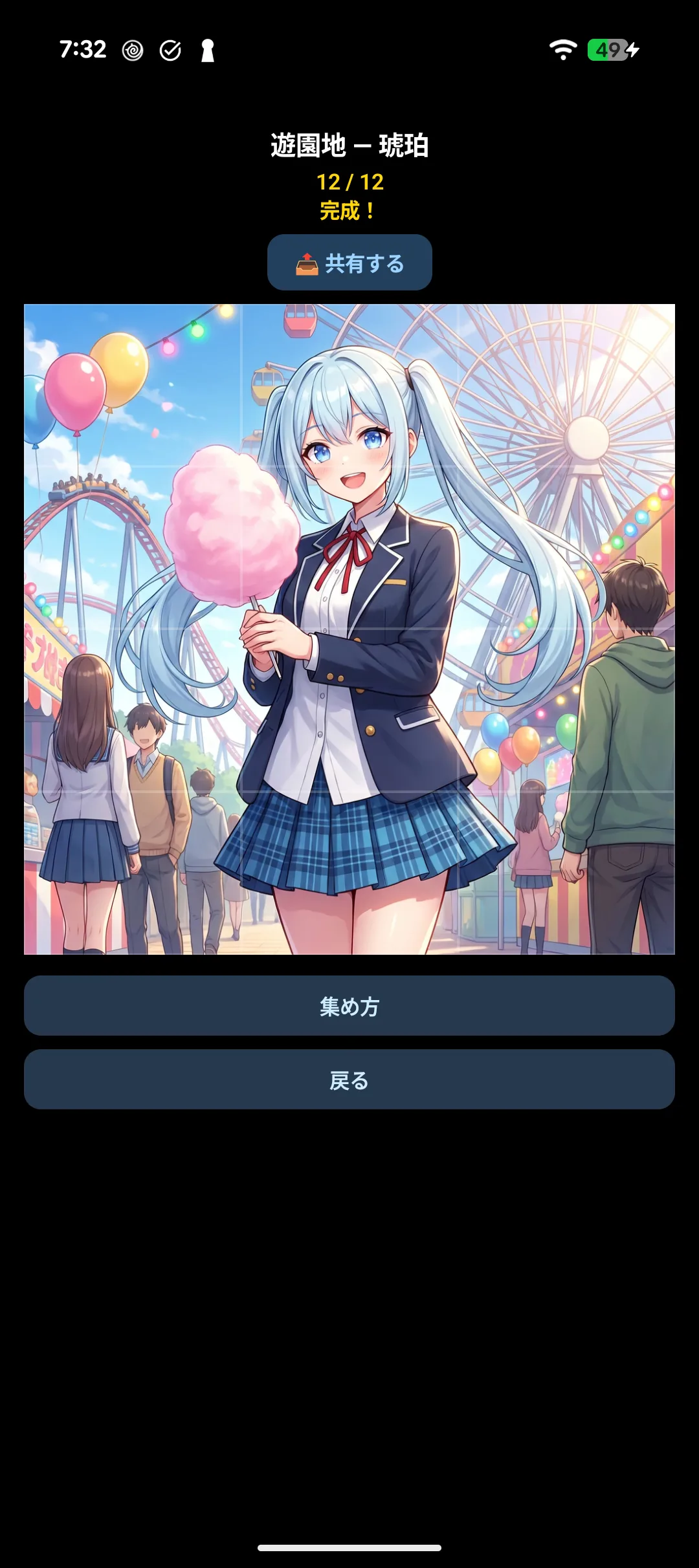
- Pieces come from your travels, or you can buy a specific piece for 120 pt (the price on screen is the one that counts)
- There is no lottery. When you buy, you know exactly which piece you are getting