Chapter 4
Points (pt)
Points (pt) are the in-app points used to obtain characters, costumes and backgrounds.
This chapter covers earning, buying, spending, the history screen, and moving to a new device.
The only time you pay real money is when you buy a pt pack. Characters, costumes and backgrounds are all bought with pt — and pt accumulate just by playing.
4-1. Where your balance is shown
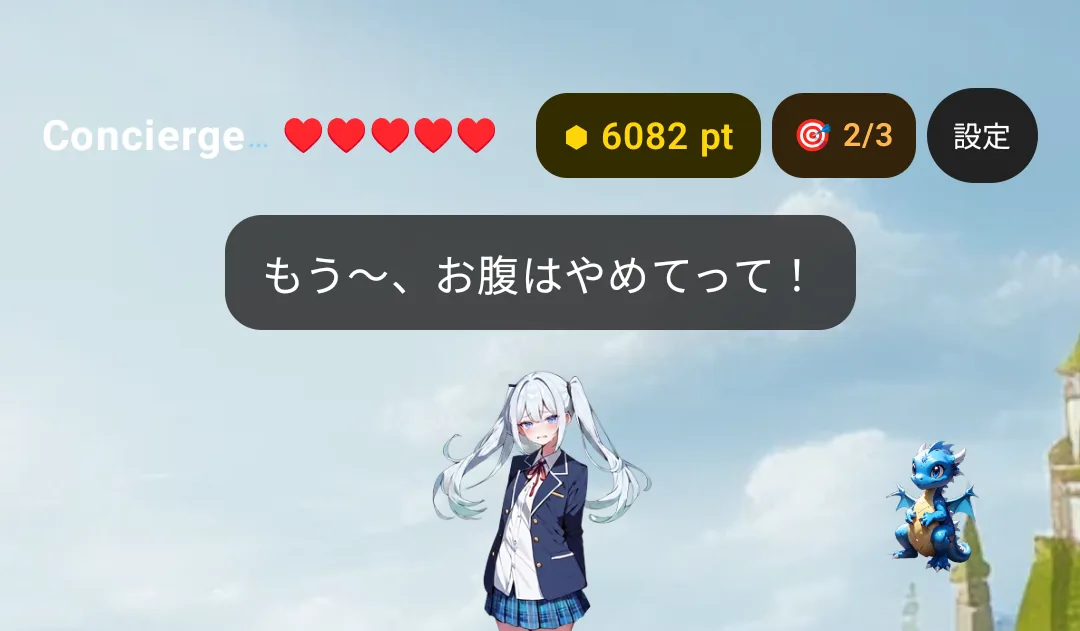
The yellow number with the ⬢ at the top of the screen is your balance. Tap it to open the pt shop.

- New players start with 100 pt
- The maximum is 9,999 pt
4-2. Earning pt for free
Open the app daily and play a little. Roughly:

| When | You get |
|---|---|
| Opening the app once a day | +5 |
| Today's missions (three of them) | +5 each, up to 15 |
| First win of the day in a game | +3 per game (up to three games = 9) |
| Reaching stage 10 / 30 / 50 / 100 for the first time | +15 / +25 / +40 / +80 |
| Each bond level-up | +10 |
| A familiar's souvenir (⌚ Apple Watch) | once a day |
| Seven days in a row / thirty days in a row | +30 / +100 |
| Your birthday | +30 |
| Obtaining your first character | +50 |
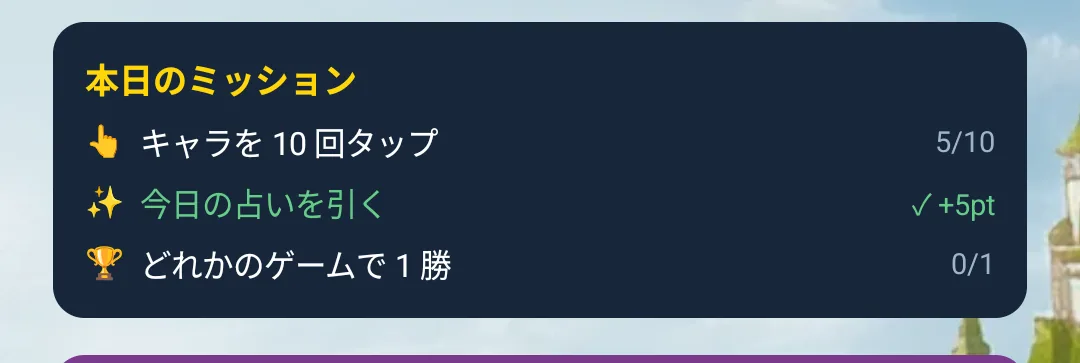
Playing properly every day comes to a little under 30 pt a day — enough for a paid character within a few weeks.
4-3. Today's missions
Three missions sit at the top of the game screen, changing daily.
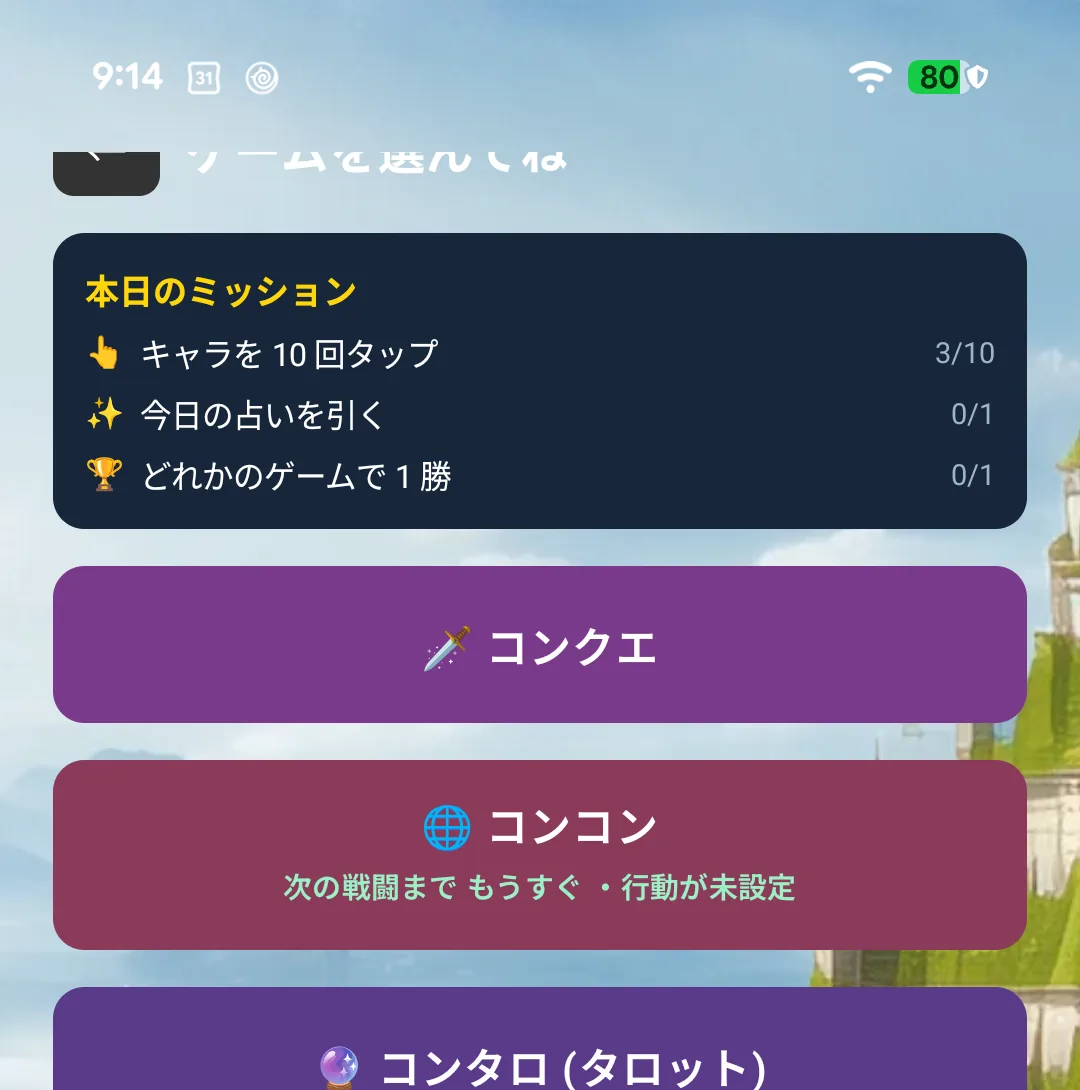
They are things you would do anyway — pet your character, win one game — and completing them moves the 🎯 counter in the header from 1/3 to 2/3 and so on.
What counts for "play / win a game"
| Counts | Old Maid / President / Air Hockey / Runner / Ball Catch / Falling Catch — 6 games |
| Does not count | Conquest / Concon / Tarot / Contra / Puzzle |
⚠️ Conquest and friends sit in the Games screen but do not count for this mission. They get their own missions instead ("Battle once in Conquest", "Send someone travelling").
⚠️ A game counts when it finishes (a win, a loss, or a final score). Leaving partway through does not count. The same note is in the app, under "❓ What counts as a game?".
4-4. Buying pt
Tap your balance in the header to see four packs.
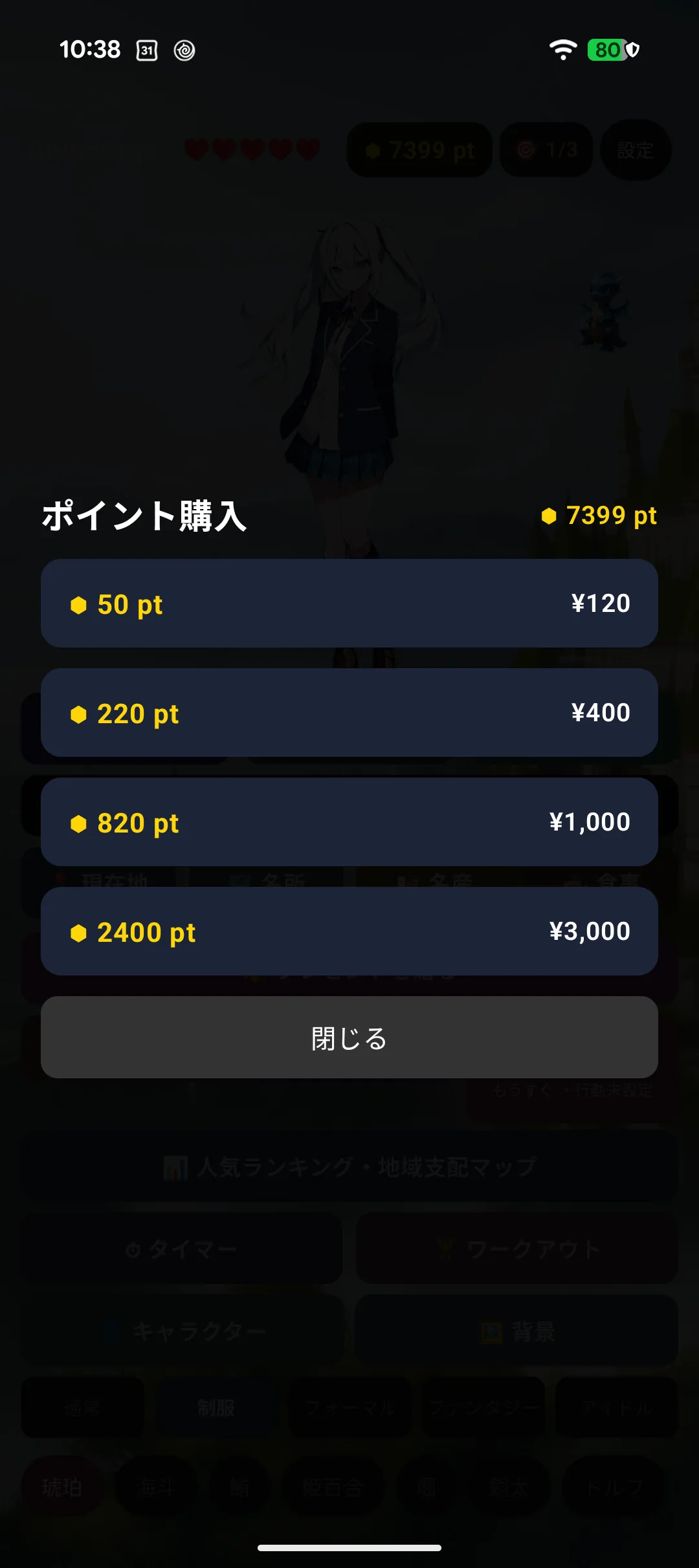
| Pack | pt | Price |
|---|---|---|
| Small | 50 pt | ¥120 |
| Medium | 220 pt | ¥400 |
| Large | 820 pt | ¥1,000 |
| Extra large | 2,400 pt | ¥3,000 |
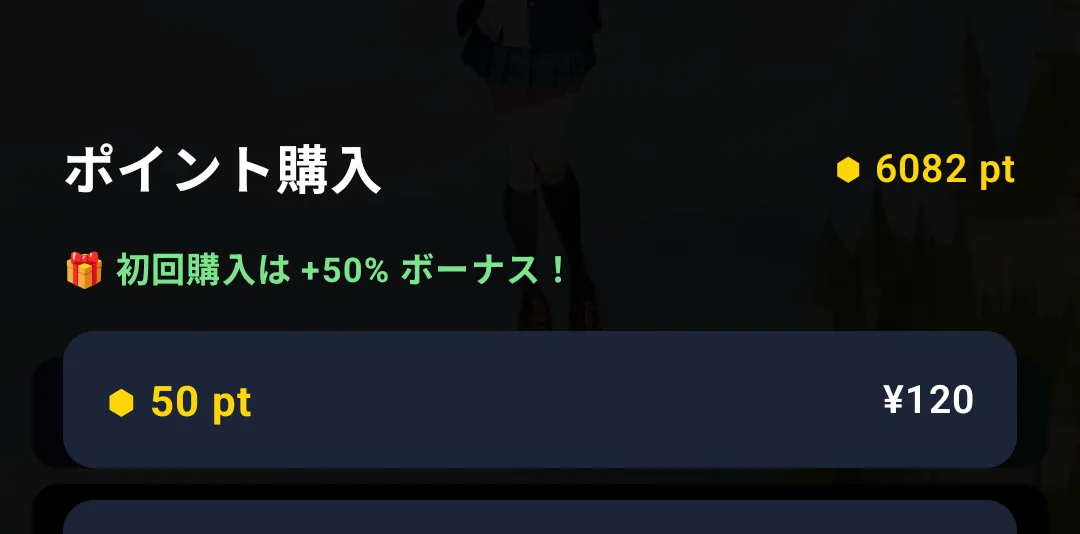
Your first purchase comes with a 50% bonus. It applies while the shop still shows the "first purchase gets +50%" badge.
Choosing a pack hands over to the App Store / Google Play payment sheet. Check the amount and payment method there.
The app never handles your card details.
4-5. The award notice
When you receive pt, a short notice appears at the top of the screen. If you earned it during a game, the notice waits until you close the game.
4-6. History
The history shows when, what for, and how much your balance changed.
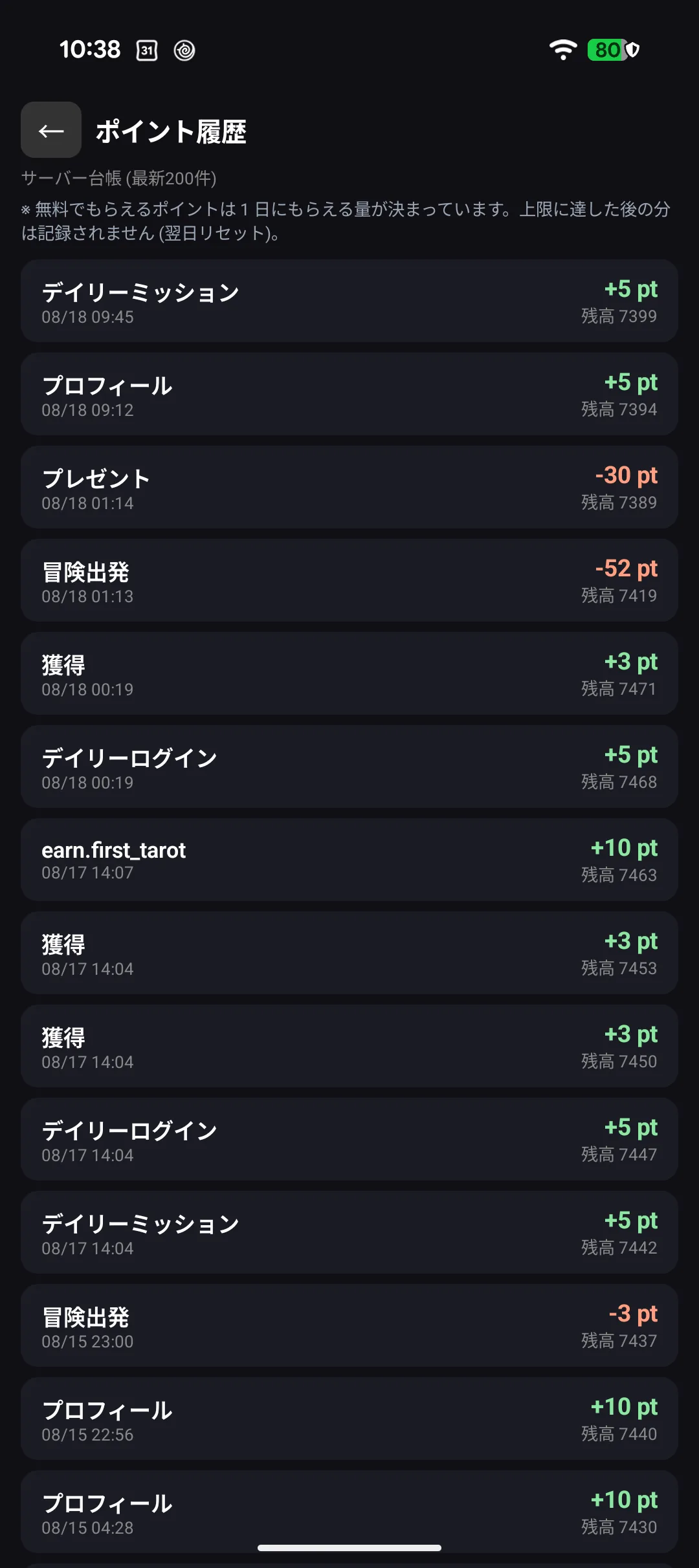
If it ever feels like points went missing, start here.
What pt are spent on
| One-off purchases | Repeat spending |
|---|---|
| Characters / costumes / backgrounds / Contra equipment | Setting off on a trip / cheering (25 pt) / rarity boost (100 pt) / tarot readings / continuing a run (20 pt) / Concon revival and boosts (20-50 pt, see chapter 5) |
You get it back when it did not work out. The rarity boost is refunded when an expedition fails, and Concon's Accuracy boost is refunded if you cancel the booking.
One-off purchases never have to be paid for twice — they stay yours through a reinstall.
Concon's "ap" is not pt. The ap (ability point) you allocate to attack and defence in Concon decides how you fight. Spending ap never costs you pt (see 5-16). The only pt Concon uses are the revival and boost actions listed above.
4-7. Changing devices or reinstalling
Your pt and purchases live on our server and with your account, not on the device.
| Your devices | How it carries over |
|---|---|
| iPhone + Apple Watch | Sign in with the same Apple ID and it returns automatically |
| Android + Wear OS | Link a Google account and it can be restored |
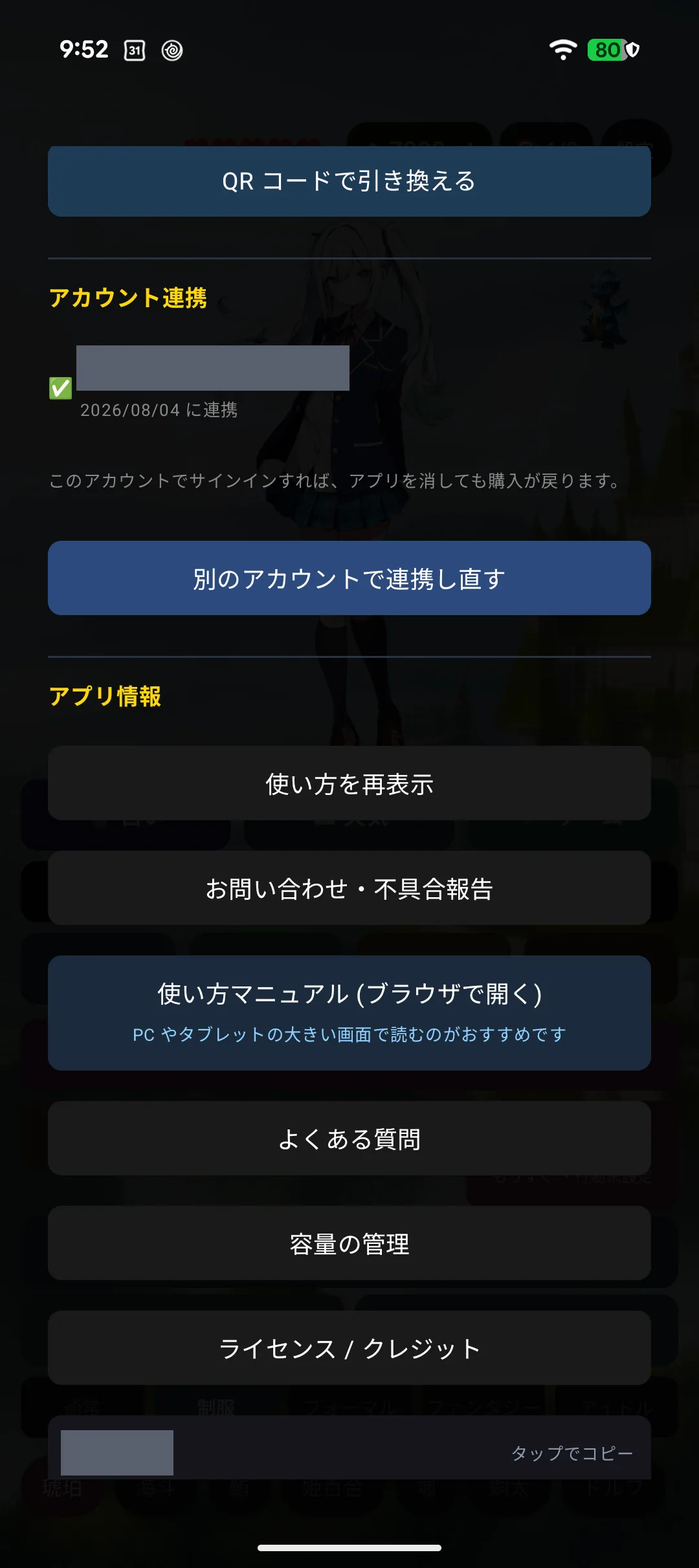
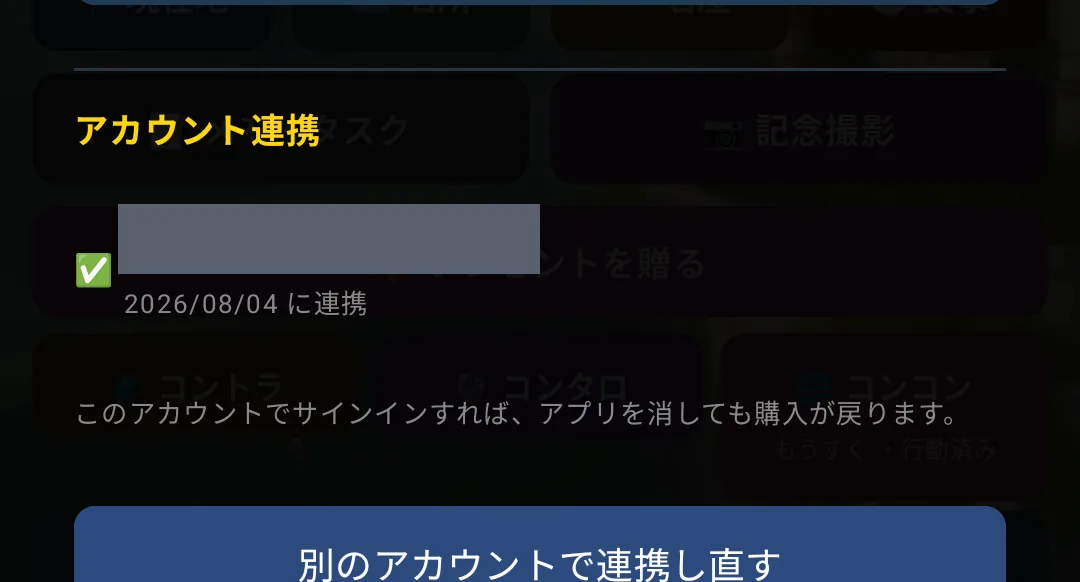
⚠️ On Android, restoring may not be possible without a linked account. Please link one before deleting the app or changing phones. Linking is free and takes a few taps.
Restoring is done from the iPhone / Android app (not on the watch), and needs an internet connection.
4-8. Gift codes
Gift codes handed out at events can be entered in the 🤖 Android app under Settings → "Gift code".
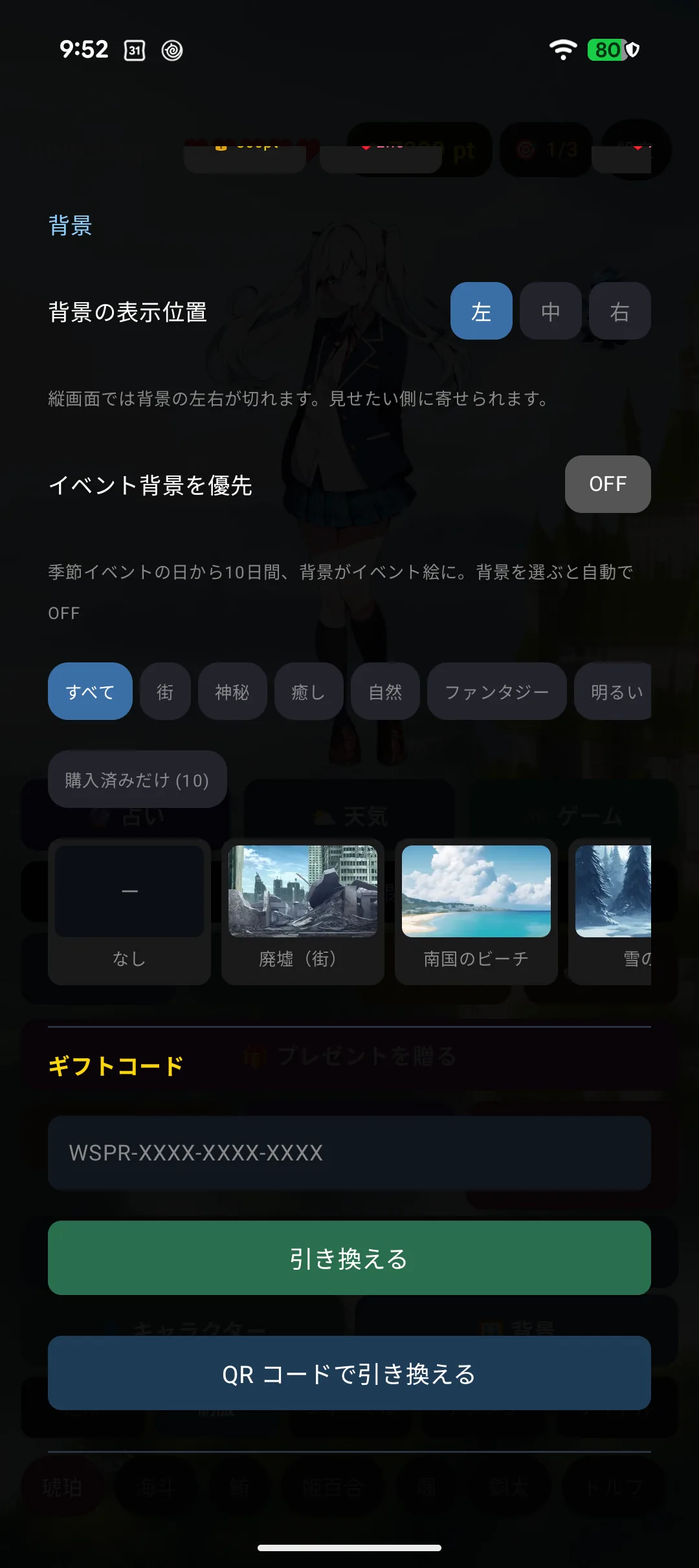
For a QR code, tap "Redeem with a QR code" to open the camera and line the code up in the frame.
Each code works once, and what it contains arrives right away. A Wear OS watch receives whatever you redeemed on the phone.
⌚📱 The iPhone and Apple Watch apps have no code entry screen. Follow the instructions in the announcement that came with the code. What you receive arrives the next time you open the app.
4-9. Using two devices — what syncs and what does not
When you use a phone and a watch together, some things are shared and some stay on that device only. Points you earn on the watch show up on the phone, but the affection level does not — that is by design.
Shared (kept on the server)
| Point balance | Earn on either device, spend on either — it is one balance |
| What you bought | Characters / outfits / backgrounds / expedition gear / puzzle pieces |
| Point history | Both devices show the same entries |
| Progress | Conquest journal and record / Contra collection and places visited / game stages and stars / bond level / expedition level / tarot history |
Not shared (stays on that device)
| Affection (how close you are right now) | ⚠️ Per device. Bond level is shared, affection is not |
| Settings | Background and outfit choice, character order, language, volume |
| Drawings / notes and to-dos / photos | Stay on the device you made them on |
| Today's fortune | Each device draws its own once-a-day reading (the history is shared) |
| Today's mission progress | |
| An expedition in progress, and which gear is equipped | Owning gear is shared. Which piece you have on is per device |
⚠️ Shared items may not appear immediately. They update when you open the app, so right after doing something on one device the other may still show the old value. Reopen the app and it will catch up. An internet connection is required.
If they do not match
If your balance or purchases only exist on one device, the two may be treated as separate accounts.
- iPhone + Apple Watch: check that both are signed in to the same Apple ID
- Android + Wear OS: check that the phone is linked to your Google account (see 4-7)
If they still do not match, include your Support ID (Settings → About) when you contact us. If the two IDs differ, we can look into it.