Chapter 2
Basic controls
This chapter covers how your character reacts when you touch them and how you grow closer over time.
Every interaction is either a tap or a long press. There is nothing to memorise.
Watch the video — pick the one for your device.
2-1. Tapping your character
Their body is divided into 4 rows × 3 columns = 12 areas, and the reaction depends on where you touch.

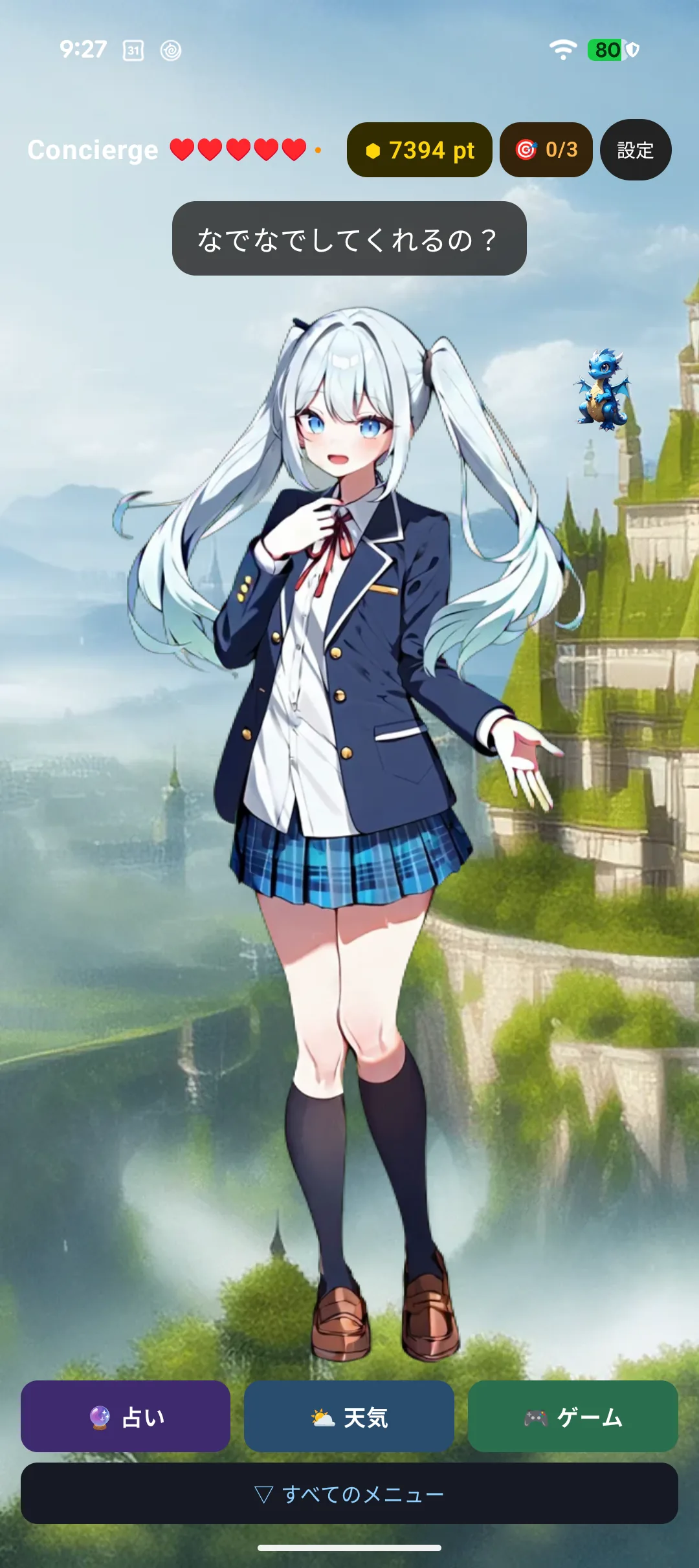

Touch the same spot repeatedly and they get annoyed around the third time, sulking for a few minutes. Moving around is the trick.
| Where you touch | Affection |
|---|---|
| Face | +2 |
| Chest / shoulders | +1 |
| Belly | ±0 |
| Legs | −1 |
| Same spot three times in a row | −2 (they sulk) |
2-2. Long-press to pet
Hold for one second or longer to pet them, which counts for more than a tap.
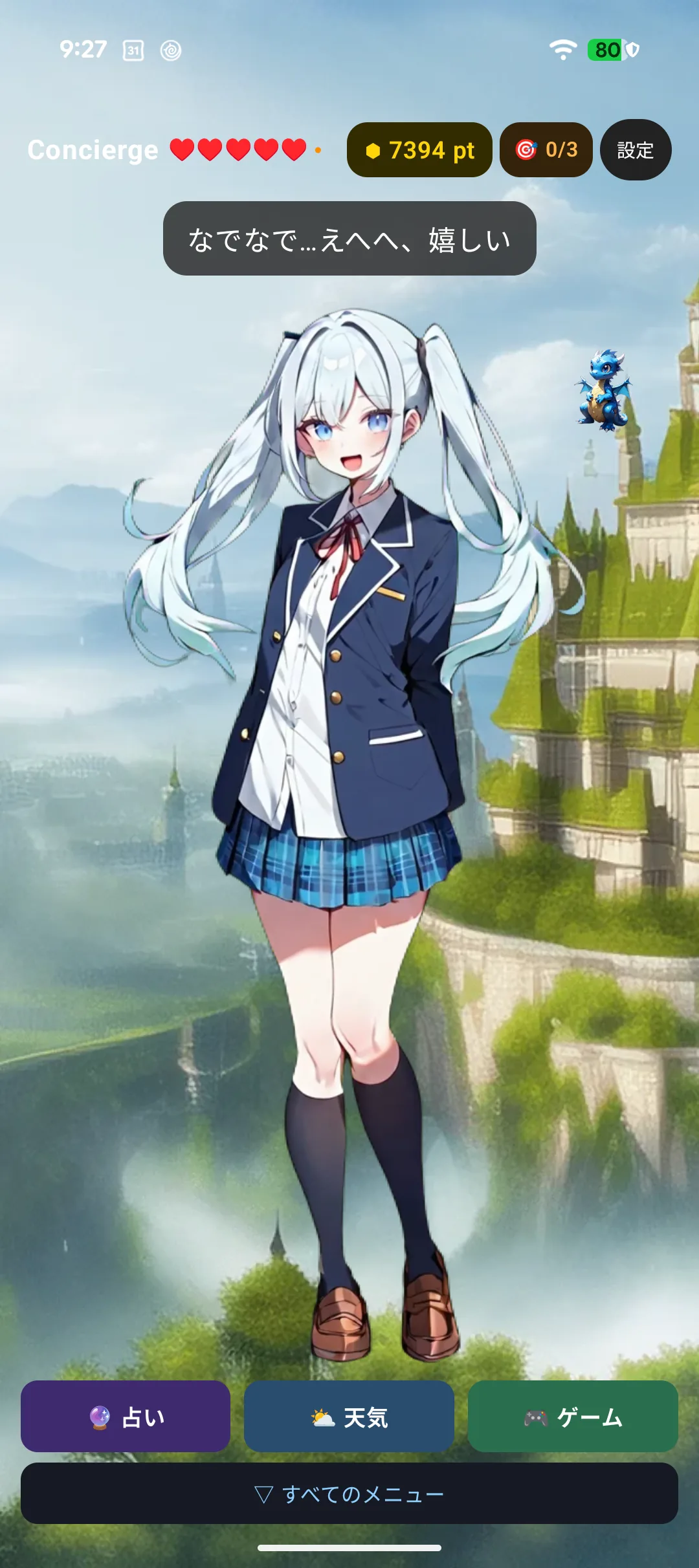
| Where you pet | Affection |
|---|---|
| Face / chest / belly | +3 |
| Legs | +1 |
When a heart appears
Affection runs from 0 to 10, and at 10 a heart pops out along with a special line.
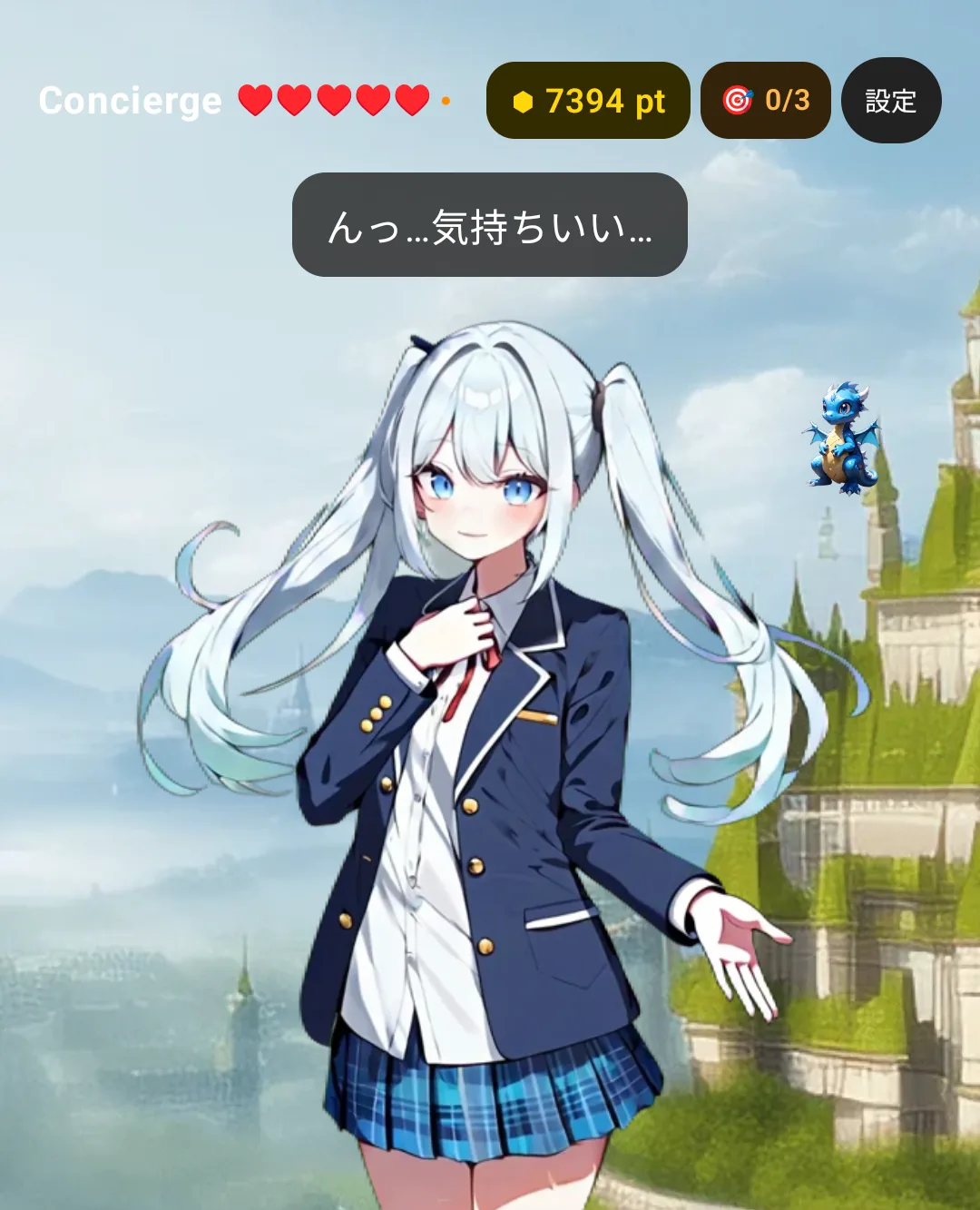
A heart appears once per cycle: let affection drop and climb back to 10 and you get another. The ♥ symbols in the header show your current affection (one ♥ = two points).
Affection can go down. Touching only the legs, or tapping the same spot repeatedly, lowers it. Only affection is affected — your bond level never goes down.
2-3. Bond level (grows the longer you stay together)
If affection is today's mood, bond level is everything you have built up. It never decreases.
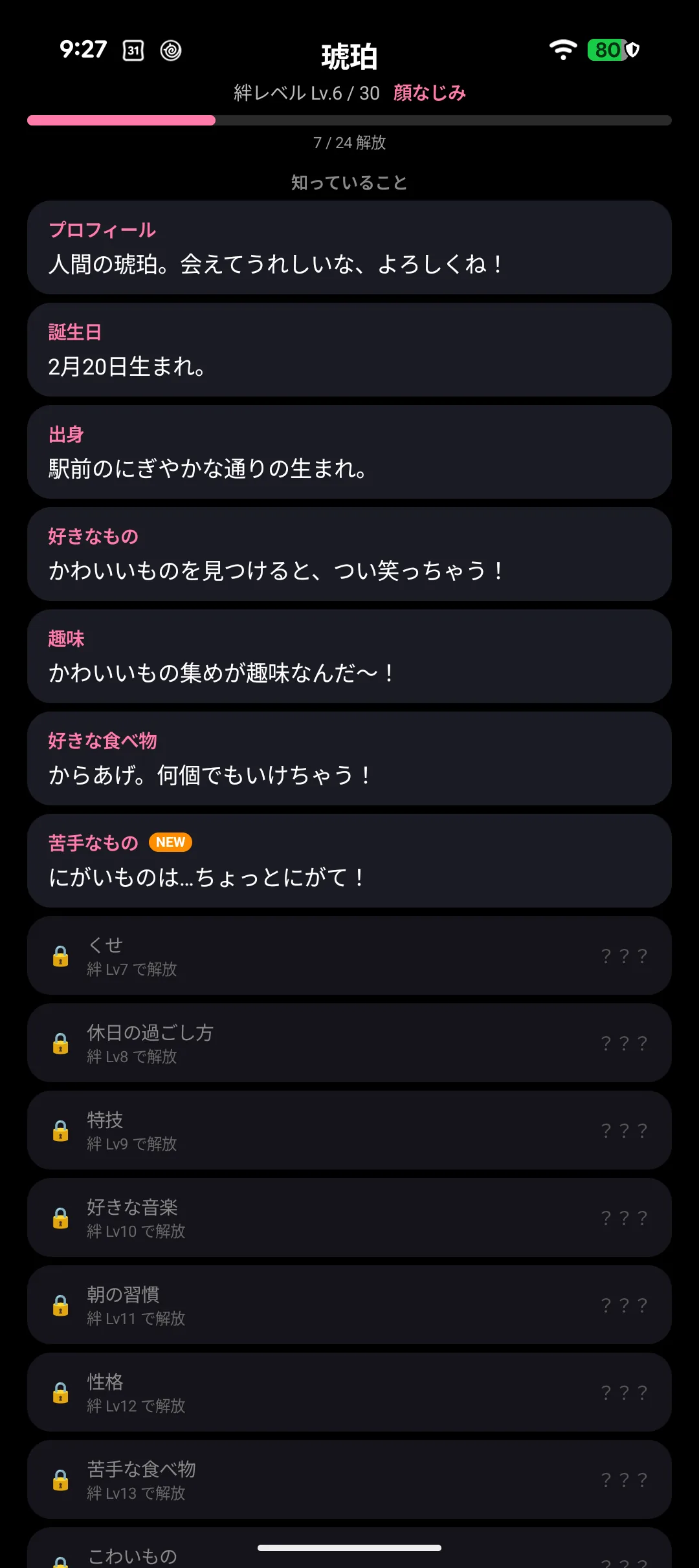
- Lv1 to Lv30. The title changes every 3 levels (Lv1 "Acquaintance" through Lv28+ "Destined Bond")
- It grows when affection actually increases, when a heart appears, and when you clear a game stage
- Each level-up gives you 10 pt
- Higher levels unlock more of your character's profile (→ Chapter 3)
Lv2 is reachable on day one. Lv30 is meant to take about a year.
2-4. Voice and text
Your character speaks with both voice and text (a speech bubble). Each can be turned off separately.
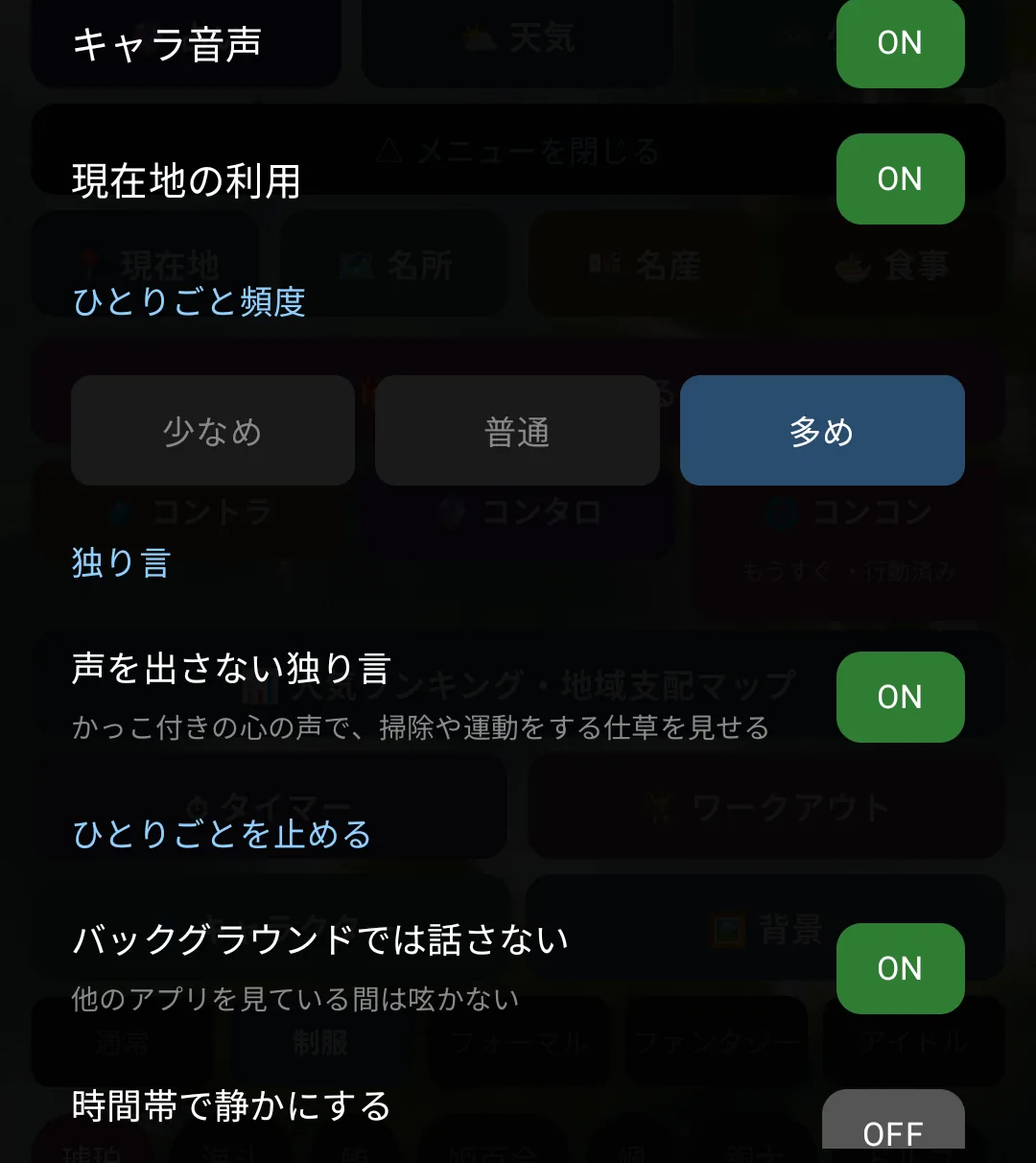
| What you want | Setting |
|---|---|
| Somewhere quiet | Turn voice off (text only) |
| Without looking at the screen | Turn the bubble off (voice only) |
| Speech too fast or slow | Change the speech rate |
| Louder or quieter | Change the volume |
There are two kinds of voice: your character's own recorded voice, and text-to-speech. Lines that change every time — the weather, your step count — use text-to-speech, so the same character may sound slightly different for those.
2-5. Reacting to movement (Apple Watch)
⌚ On Apple Watch your character also responds to your arm.
| Movement | Reaction |
|---|---|
| Raising your wrist (waking the screen) | They welcome you back |
| Tilting | They wobble |
| Spinning around | They get dizzy; keep going and they sulk for a while |
| Shaking | They are startled |
| A figure-eight | Starts a fortune reading |
| Leaving it still | After a while they talk to themselves |

If you would rather not have this, it can all be turned off in settings.